Magpie Explained: Run Any AI Model in Any Coding Agent From the Menu Bar
Magpie is a free, open-source menu-bar app that lets any coding agent use any AI model through one local gateway. Instead of being locked to the model each agent ships with, you pick the model per agent — Claude Code on Kimi, Codex on DeepSeek, or Gemini CLI on GLM — and Magpie translates between provider protocols automatically.
Key facts
- Project: Magpie — “Every agent’s model. One place. Codex on DeepSeek, Claude Code on Kimi, from the menu bar.”
- Popularity: 40,799 stars, 3,733 forks and 9,065 commits
- Releases: 3,383 releases and 4,748 tags
- Licence: MIT, created 2026-09-23, default branch
main - Platforms: macOS, Windows, Linux, Docker and Termux
- Local gateway:
127.0.0.1:3425 - Protocols spoken: OpenAI Chat, OpenAI Responses, Anthropic Messages and Gemini
- Agents supported: 100+, including Claude Code, Codex, Gemini CLI, Cursor, OpenCode, Cline, Kiro and Devin
- Install:
curl -fsSL https://usemagpie.ai/install.sh | sh, or download fromusemagpie.ai
What is Magpie and how does it work?
Magpie is a small menu-bar app that translates between coding agents and AI models. Normally, each agent talks to one provider in that provider’s own language: Claude Code speaks Anthropic’s protocol, Codex speaks OpenAI’s, and Gemini CLI speaks Google’s. Magpie breaks that pairing with one local gateway at 127.0.0.1:3425, which understands OpenAI Chat, OpenAI Responses, Anthropic Messages and Gemini protocols and translates between them.
In practice, you point your agent at the local gateway instead of its usual provider, then choose whichever model you want. The agent keeps its interface, tools and workflow, but the answers come from the model you picked. Nothing goes to a middleman server, because the gateway runs locally. Developers often like one agent’s workflow and another provider’s model; until now those choices were bundled together, and Magpie unbundles them.
Why would you run one model inside another agent?
Agents and models have different strengths, and the best combination is rarely the default one. You might love Claude Code’s workflow but want a cheaper model for routine edits, or want to spend one provider’s subscription inside a different agent, or compare two models on the same task without changing your setup each time.
Cost is one of the biggest reasons. Some models are far cheaper per token than others, and subscriptions you already pay for often include generous usage. A ChatGPT plan can power OpenCode or another agent through Magpie instead of staying locked to one app, and the same goes for Claude, Copilot and Gemini subscriptions.
Availability matters too: when an agent is hard-wired to one provider, a single outage stops your work, but with Magpie you can switch models in seconds. That flexibility is why the project has gathered more than 40,000 stars in about two months since its creation on 2026-09-23.
How do you pick a model for each agent?
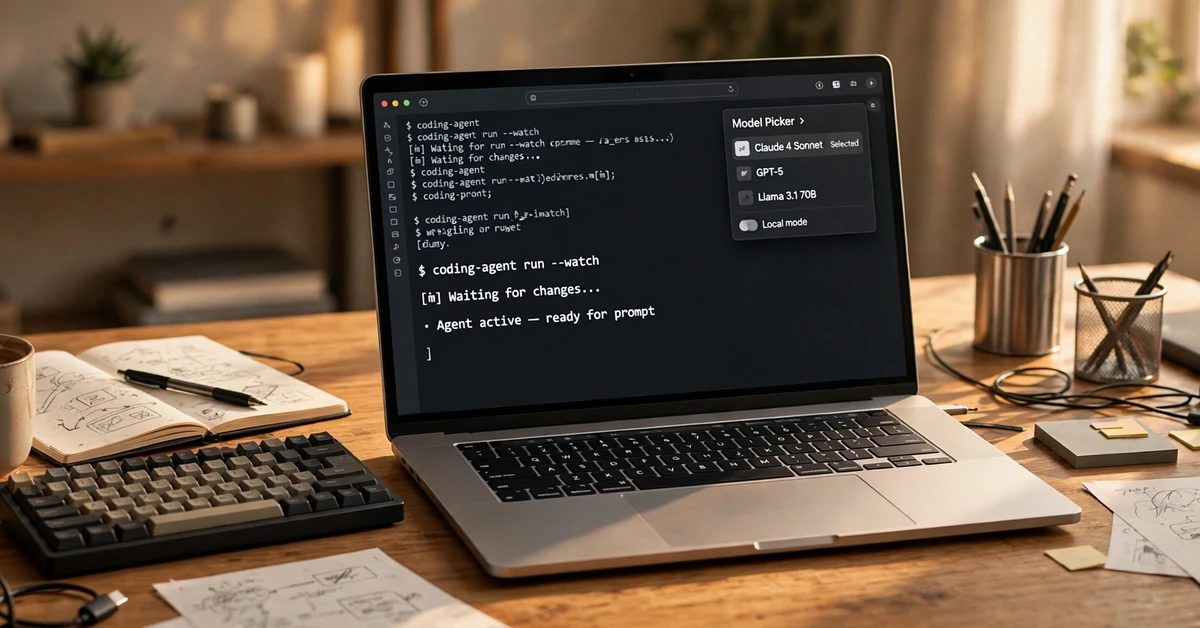
You pick a model from one list, inside the Magpie menu-bar app. Every provider and model you have configured appears there, so Claude Code, Codex, Gemini CLI and every other agent draw from the same pool. There is no per-agent configuration file to edit: you open the menu, choose the agent, choose the model, and you are done.
The project’s own examples show how natural the combinations feel: Claude Code on Kimi, Codex on DeepSeek, Gemini CLI on GLM, OpenCode on a ChatGPT plan. Each pairing is just a selection, and you can change it as often as you like — one model in the morning, another in the afternoon.
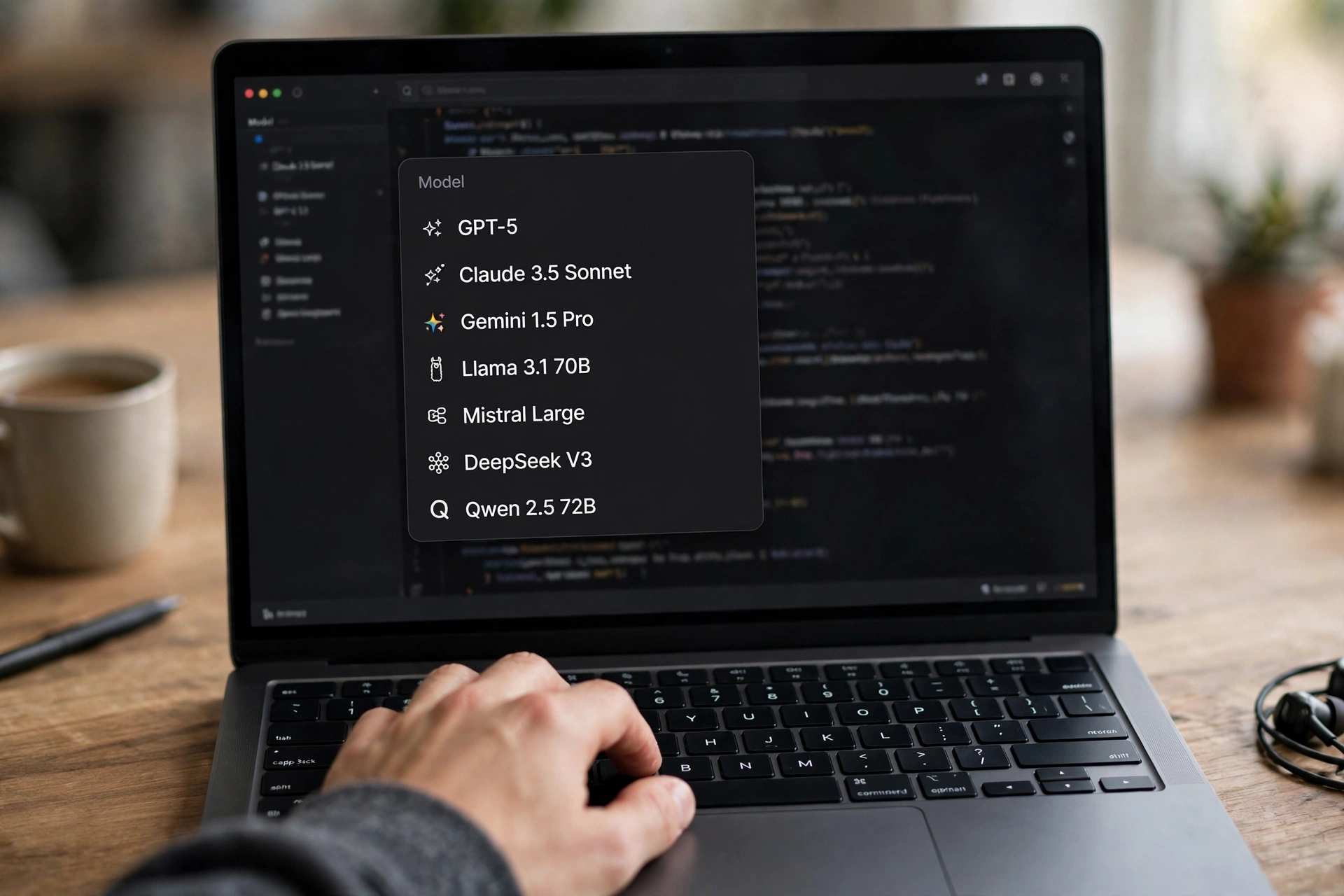
Model choice is usually a bigger lever than agent choice: a stronger model can lift a mediocre agent, and a cheaper model can make an expensive workflow affordable. It fits the same wave of open standards covered in our guide to AG-UI, where agents and interfaces are becoming interchangeable parts rather than locked pairs.
What happens when a quota runs out?
When a quota runs out, Magpie fails over to the next account or model, so the agent never sees the error. Instead of your agent stopping mid-task with a rate-limit message, Magpie quietly moves the request to the next option in line and the work continues — the feature that turns model switching from a convenience into something you can rely on.
The failover works because Magpie knows about all of your accounts and models, not just the one in use. Line up several accounts for one provider, or several models that can substitute for each other, and Magpie steps through them in the order you set. The agent never notices, because the gateway keeps speaking the same protocol to it throughout, so your conversation and context stay intact.
This is especially useful for heavy users who burn through a daily quota by mid-afternoon: they can keep working on a backup account or model without touching a setting, and the dashboard shows each quota’s state so a failover never surprises you.
How does Magpie’s privacy masking work?
Privacy masking is an optional feature, off by default and enabled in Settings under Privacy. When it is on, Magpie scans outgoing prompts for keys, passwords and email addresses, masks them locally, and puts the real values back into the reply.
The key detail is where the masking happens: on your machine, before the request leaves it. The provider never receives the original secret. The real values are held in memory only, for the duration of the request, and the reply is unmasked before it reaches you.
This is a safety net for accidents, not a guarantee: masking catches common patterns such as an API key, password or email in a prompt, but it cannot know every secret format. Combined with the local gateway at 127.0.0.1:3425, it keeps the sensitive parts of your workflow on your own hardware — a meaningful difference from cloud proxies that see your traffic by design.
Which providers and agents does Magpie support?
Magpie’s presets cover the providers most developers use: Anthropic, OpenAI and Google Gemini, alongside DeepSeek, Kimi, Qwen, xAI and OpenRouter. Local models are covered through Ollama and LM Studio, with more beyond the presets. Any provider speaking one of the gateway’s four protocols can be added.
Subscriptions matter as much as API keys: Claude, ChatGPT, Copilot and Gemini plans can be shared across agents through Magpie, so a plan bought for one tool can power several. For many developers that is cheaper than paying per token, because the subscription is already paid for.
On the agent side, the project supports more than 100 agents, including Claude Code, Codex, Gemini CLI, Cursor, OpenCode, Cline, Kiro and Devin. As agents increasingly share conventions, a gateway that works with all of them grows more useful — a theme we explored in our look at Stitch Skills for Google Stitch.

How do routing groups and profiles work?
Routing groups and profiles organise a setup that would otherwise become a long, flat list of models. A routing group is a set of models or accounts with a rule for how traffic moves through them: smart picks the best available option, order steps through the list, rotate spreads requests, usage balances by consumption, and pace throttles requests to stay inside limits.
Profiles sit one level above routing groups: a profile saves every agent’s setup under one name, so you can switch your whole configuration at once — a deep-work profile with the strongest models, a quick-tasks profile with fast, cheap ones — instead of reconfiguring agents one by one.
The command line completes the picture: magpie claude deepseek/deepseek-v4-pro points Claude Code at a specific DeepSeek model, magpie quota shows your quotas, and magpie tui opens a terminal interface with the same controls as the menu-bar app.
How do you install Magpie and get started?
Installation is a single command: curl -fsSL https://usemagpie.ai/install.sh | sh, or download the app from usemagpie.ai if you would rather not pipe a script into your shell. Mac builds are signed and notarised, so macOS opens them without the usual warnings.
Magpie runs on macOS, Windows, Linux, Docker and Termux, covering the desktop, the server and even a phone-based terminal. Once it is running, the gateway listens on 127.0.0.1:3425; point your agents at that address, then add providers, pick a model for each agent, and optionally set up routing groups, profiles and privacy masking.
A sensible first session is to connect one provider, point one agent at the gateway, and try a small task on a model you have never used inside that agent. That is enough to feel the core idea — the agent you like, the model you choose — before investing time in routing groups. With 3,383 releases and 4,748 tags, the project moves fast, so check for the latest version before installing.
Is Magpie worth trying?
Magpie is worth trying if you use more than one coding agent, pay for more than one model subscription, or keep hitting quota limits mid-task. It does one thing — separating the choice of agent from the choice of model — from a small menu-bar app. Your traffic stays on your machine, failover keeps sessions alive, and privacy masking protects secrets in prompts.
It is less compelling if you use a single agent with a single model and never hit a limit — then the default setup is already right. But for anyone who has wished Claude Code could run on a cheaper model, or Codex on one they already pay for, Magpie removes the barrier. For more on AI agents and model tooling, visit the KongoTech homepage, including our guide to What Is Univer.

Frequently asked questions
What is Magpie in simple terms?
Magpie is a free, open-source menu-bar app that lets any coding agent use any AI model through one local gateway. You pick the model per agent — Claude Code on Kimi, Codex on DeepSeek — and Magpie translates between protocols so the combination just works.
Is Magpie free and open source?
Yes. Magpie is MIT-licensed, with public source code that has gathered 40,799 stars, 3,733 forks and 9,065 commits since its creation on 2026-09-23. The app itself is free, although you still pay your model providers in the usual way.
Can Magpie really run Claude Code on Kimi or Codex on DeepSeek?
Yes — those are the project’s own headline examples. The local gateway at 127.0.0.1:3425 speaks OpenAI Chat, OpenAI Responses, Anthropic Messages and Gemini protocols and translates between them, so an agent built for one provider can run a model from another.
What happens in Magpie when a model quota runs out?
Magpie fails over to the next account or model you configured, so the agent never sees the error and your session continues. Routing groups control the failover — smart, order, rotate, usage or pace — and magpie quota shows your quotas at any time.
Does Magpie protect secrets in my prompts?
Magpie offers optional privacy masking, off by default and enabled in Settings under Privacy. Keys, passwords and emails are masked on your computer before the request leaves it and restored in the reply; values are held in memory only. It is a safety net for accidents, not a substitute for keeping production secrets out of prompts.