dsh Our Free Model Explained: Use Frontier AI Models With No Login and No API Key
dsh Our Free Model is a free plugin for dsh, the DeepSeek Harness, that lets you use frontier models including DeepSeek V4.1 Flash and Kimi K3 with no login, no sign-up and no API key. Install the plugin, restart dsh, and pick a model from the live roster.
Key facts
- Project: dsh-our-free-model — a plugin for dsh (DeepSeek Harness). Install the plugin in dsh to use frontier models including DeepSeek V4.1 Flash and Kimi K3 with no login, no sign-up and no API key, completely free with no usage cap, per the repo description.
- Stars: 87,618 stars and 2,481 forks on GitHub, with 991 commits behind the project.
- Licence: Repository metadata shows Other (NOASSERTION), while the README badge shows MIT. Both signals are present, so check the licence files yourself before relying on either label.
- Created: 2026-09-24, with 28 releases, 59 tags, JavaScript as the language, and
mainas the default branch. - Momentum: Monthly trending on 26 Nov 2026; Trendshift JavaScript Weekly #1 for 5–11 Oct 2026.
- Install:
dsh plugin --profile web add @ebony-vinyl/dsh-our-free-model@2.9.1— scoped package only. Settings live at Settings → Our Free Model. - Shape: Pure plugin mount with no core changes, no build step and zero dependencies. Nothing to configure: install, restart, pick a model.
- Honest framing: This is a community plugin that routes to other companies’ free gateways. Availability and terms belong to those upstreams and are not guaranteed.
What is dsh Our Free Model and how does it work?
dsh Our Free Model is a plugin that adds free frontier models to dsh without any account or key. You install it once, restart dsh, and the picker fills with models you can use straight away, including DeepSeek V4.1 Flash and Kimi K3.
The plugin mounts as a pure plugin: no core changes, no build step and zero dependencies. There is nothing to configure before first use — no account, no key to paste and no quota dashboard to register on. For readers of the KongoTech homepage, that zero-setup promise explains much of the repo’s rapid growth.
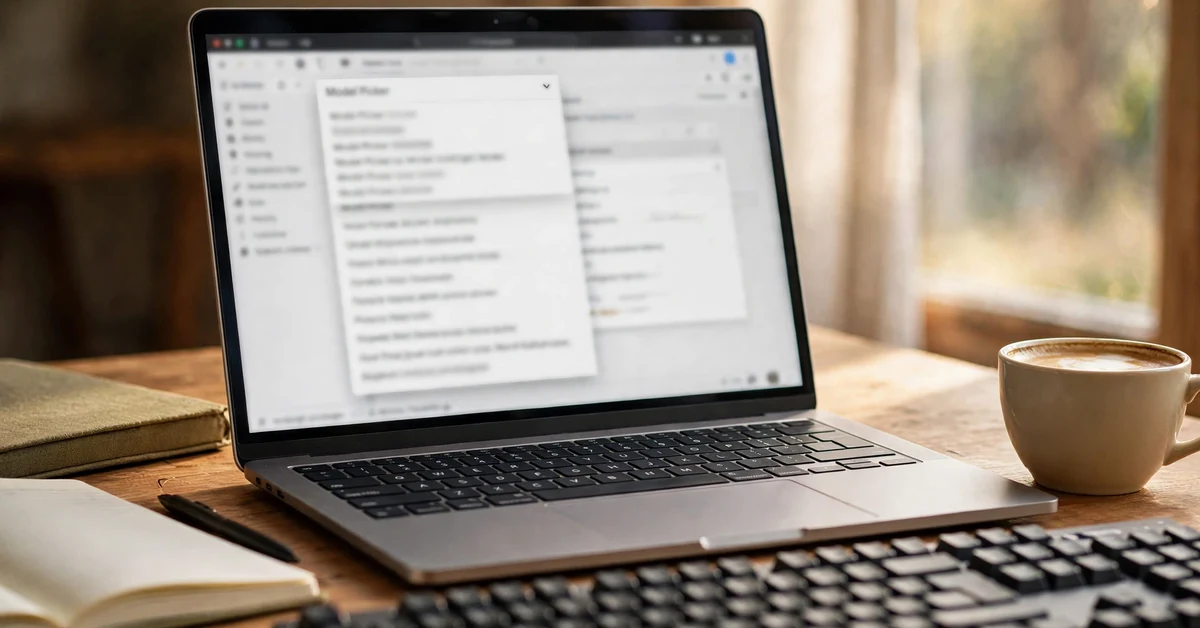
The roster follows upstream, not a frozen snapshot. Each refresh re-fetches the model set, context lengths and capabilities, so new models appear without an update. Availability is measured from your own network egress. A model the gateway refuses to route (Model is unavailable, or a 404 for that id) leaves the dropdown and stays in settings with its refusal recorded. Region-gated models move to a region-limited group, and if a whole probe round refuses everything, nothing is hidden — the picker never goes empty.
Settings → Our Free Model shows availability, vision versus text-only support, context window, maximum output, the ceiling each effort level sends, time-to-first-token and a benchmark. It also works headless (dsh-tui), since only llm is a hard dependency.

Where do the free models actually come from?
The free models come from two named upstreams that the plugin dials directly, with no third-party relay. The free lane is the OpenCode Zen gateway, and the Kilo channel is the Kilo AI public gateway with its keyless free pool.
Naming upstreams openly is deliberate: the free lane is https://opencode.ai and the Kilo channel is https://kilo.ai, as plain text you can check. Requests go directly to those gateways, so who serves you is spelled out — the same transparency that matters in What Is Univer.
The Kilo channel uses the live isFree list, including kilo-auto/free, with a Kilo badge on its cards. Plain caveat: Kilo cards state prompts may be logged to improve their services, so never send sensitive content there — or through any free lane.
A third lane, EAC, unlocks after GitHub sign-in plus starring the repo; its models carry the EAC prefix and the free lane works either way. Availability and terms remain upstream’s to set.
How do you install dsh Our Free Model?
You install the scoped npm package with one dsh plugin command, then restart dsh once and pick a model. The scoped name matters, because the bare package name belongs to someone else.
Run: dsh plugin --profile web add @ebony-vinyl/dsh-our-free-model@2.9.1
The README warns plainly: do NOT install the bare npm name dsh-our-free-model, a third-party package that is not theirs. Always use the scoped @ebony-vinyl/dsh-our-free-model name. A local route also works: dsh plugin --profile web add /absolute/path/dsh-our-free-model, then restart once. Afterwards, open Settings → Our Free Model to see the roster and benchmarks.
A standalone service (npm run start:standalone, port 18900, data in ~/.our-free-model) is in development, but its install artifacts are not yet published. Upgrades run in-app with SHA-256 verification, backup, atomic replace and hot reload with rollback — the live-update spirit of AG-UI.
What does the thinking-effort control really change?
The thinking-effort control sends a real budget upstream instead of a prompt hint. Models that declare thinking levels get their own level menu, and models without one get a token-budget ladder.
For a model that declares levels, such as DeepSeek V4.1 Flash, the menu offers Off, Low, High and Max where declared, sent as-is in reasoning_effort; the gateway validates it, so an undeclared value returns 400. Without a menu, Light, Balanced and Deep map to 2,048, 8,192 and full capacity — doubled to 4,096 and 16,384 if thinking cannot switch off. Each card prints what it will send.
How does the local gateway work?
The plugin includes a local gateway that exposes the same models to other tools through an OpenAI-compatible forward port and a native Anthropic endpoint. Any local client speaking those formats can use the free lanes without dsh in the middle.
The OpenAI-compatible port takes a base URL plus a generated key and preserves reasoning_content in history for tool follow-ups. The Anthropic side adds POST /v1/messages (streaming and non-streaming, thinking/tool_use, real stop_reason) and POST /v1/messages/count_tokens as a local estimate. /v1/models advertises every lane, with copy-ready recipes from the port that actually bound.
An aggregate lane adds your own keys for 77 providers as provider/model rows. Keys stay in local 0600 settings.json; the API echoes only a fingerprint, never the key. Providers support test-by-listing, discovery and overrides; OAuth/ADC rows are marked not drivable. One picker covers free, paid and local servers — as in Stitch Skills for Google Stitch.
One practical result is that dsh stops being the only place these models can run. A script, editor extension or chat client on the same machine can point at the local port and reuse the free lanes, the aggregate rows and the chains without separate setup for each tool. That reuse is the difference between a simple model picker and a small, dependable local model service for everyday work.
What are the token savers and routing chains?
Token savers shrink what you send before the request leaves your machine, and routing chains link models from any lane into one named fallback sequence. Both keep long coding sessions usable.
Tool-output compaction rewrites tool_result in place (git diff/status/log, grep, find, ls, build logs and more). In their live test a 40 KB git diff lost 90% of its bytes and the model still answered correctly. Prompt shaping (caveman/ponytail, off by default) and five local answers complete the set, with before/after savings reported in settings.
Chains appear as combo:<name>: fallback starts at the head, round-robin rotates the start. A link failing before any answer delta is discarded whole, and reasoning deltas do not count as content, so failover stays invisible. The usage dashboard is local only — heatmap, curves and speed per call, nothing uploaded.

What should you know about privacy, quotas and limits?
You should know that free quota is counted per egress IP, that one real 429 opens a breaker window, and that Kilo prompts may be logged upstream. The plugin is free, but the gateways behind it set the real limits.
Quota counts per egress IP, so everyone behind one exit shares an allowance. One real 429 opens the breaker (6-hour default without Retry-After); the plugin then refuses turns locally, and FreeTierError locks the lane separately. Manual tests stay available, automatic probing stays off, and an exit proxy (http/https/socks5) plus retry-after-exit-change can clear the window once.
Privacy is equally plain: Kilo prompts may be logged, and even direct-dialled lanes still show the upstream what you send. Models can be region-gated, refused or removed at any time; the plugin shows that honestly instead of promising what it cannot control.
Frequently asked questions
Is dsh Our Free Model really free with no API key?
Yes, the plugin needs no login, no sign-up and no API key, and the repo describes use as completely free with no usage cap. The gateways still enforce per-IP free quotas, so a 429 can open a 6-hour breaker window.
Which models can I use with dsh Our Free Model?
You can use the live upstream roster, including DeepSeek V4.1 Flash and Kimi K3. The list is re-fetched on every refresh, region-gated models sit in a region-limited group, and the EAC lane adds prefixed models after GitHub sign-in and starring the repo.
How do I install dsh Our Free Model safely?
Install only the scoped package with dsh plugin --profile web add @ebony-vinyl/dsh-our-free-model@2.9.1, then restart dsh once. Do not install the bare name dsh-our-free-model, which the README identifies as a third-party package.
Does dsh Our Free Model log my prompts?
The plugin’s dashboard and keys stay local, with nothing uploaded by the plugin. Upstreams see what you send them, and Kilo cards state prompts may be logged to improve their services, so never send sensitive content through any free lane.
Can other tools use these models without dsh?
Yes, through the local gateway: an OpenAI-compatible forward port plus a native Anthropic POST /v1/messages endpoint serve the same lanes to local clients. A standalone service on port 18900 is in development, but its install artifacts are not yet published.
Conclusion
dsh Our Free Model earns its 87,618 stars by removing every step between installing a plugin and using a frontier model: no login, no sign-up, no API key, no build step and zero dependencies. Its strengths are honesty and depth — named upstreams dialled directly, a live roster measured from your own network exit, thinking effort that sends a real budget, a local OpenAI-compatible and Anthropic gateway, token savers that cut a 40 KB diff by 90%, and a dashboard that never leaves your machine. Its limits are equally clear: quota counts per egress IP with a 6-hour breaker after a real 429, Kilo prompts may be logged upstream, and every model lasts only as long as its gateway offers it. Install the scoped package, keep sensitive content out of free lanes, and treat the plugin as what it is — a well-built community bridge to other companies’ free gateways.