AFFiNE Explained: The Open-Source Workspace That Merges Notion and Miro
AFFiNE is a privacy-first, local-first, open-source workspace that merges documents, whiteboards and databases into a single app. It is built to replace both Notion and Miro at once: your notes, plans and visuals live on one edgeless canvas, your data stays on your own disk, and you can self-host the whole thing.
Key facts
- Project: toeverything/AFFiNE on GitHub — a privacy-first, local-first open-source workspace that merges docs, whiteboards and databases
- GitHub stars: 75,391, with 5,575 forks (checked 20 November 2026)
- GitHub Trending: number 14 on 20 November 2026
- Commits: 11,576
- Created: 31 July 2022
- Releases: 604, with 811 tags
- Default branch: canary (not main)
- Licence: Community Edition free for self-host under the MIT licence, per the README Editions section; repo metadata itself shows “Other (NOASSERTION)”
- Tagline: “There can be more than Notion and Miro.”
- Headline: “Write, Draw and Plan All at Once.”
- Pronunciation: AFFiNE is pronounced [ə’fain]
- Built on: BlockSuite, y-octo, OctoBase and yjs CRDTs
What Is AFFiNE and Why Does It Matter?
Most knowledge workers live in two apps at once: a notes app like Notion for writing, and a whiteboard app like Miro for planning. AFFiNE asks why those should be separate at all. Its answer, in the project’s own words, is that “there can be more than Notion and Miro” — one hyper-fused platform where docs, canvas and tables merge into a single workspace.
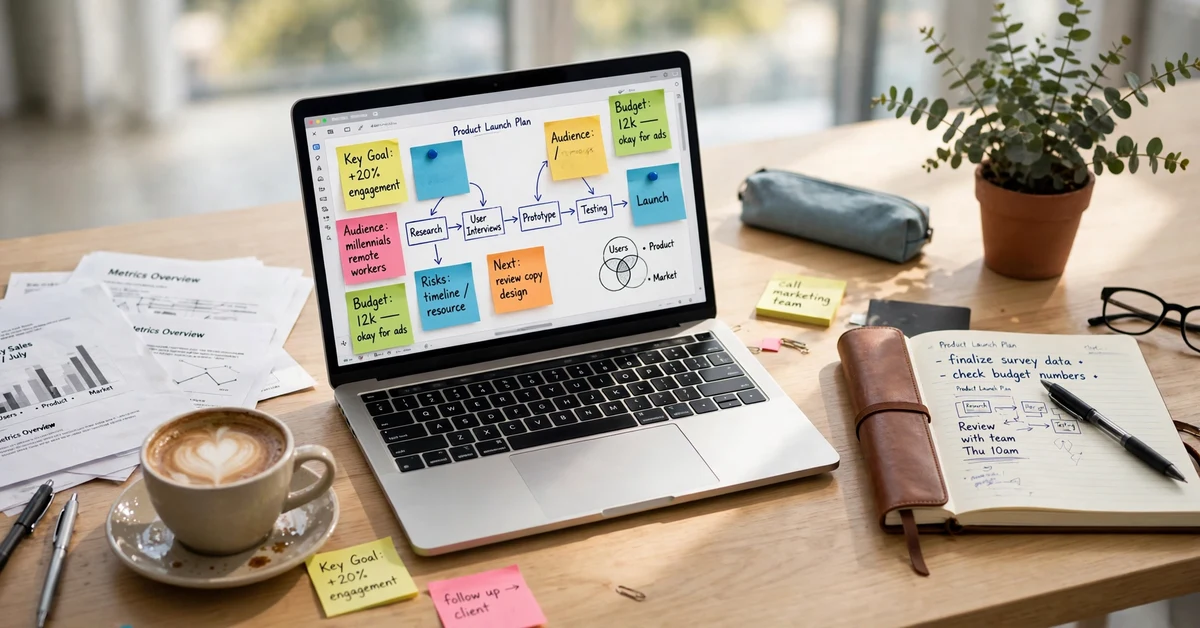
The split between writing and drawing is a real tax on thinking. You write a plan in a document, redraw it on a whiteboard, then copy the decisions back, and each move loses something. AFFiNE removes the moves: a paragraph can sit next to a mind map, a sticky note can link to a database row, and a slide can grow out of an outline.
Privacy is the other half of the pitch. AFFiNE is local-first: you always own your data on your disk, in spite of the cloud. The cloud handles real-time sync and collaboration, but it is not where your notes live by default — the same open-source instinct behind other tools on the KongoTech homepage.
The numbers show the idea has landed: 75,391 stars and 5,575 forks, checked on 20 November 2026, 11,576 commits and 604 releases since 31 July 2022, and number 14 on GitHub Trending on 20 November 2026.
How Do Docs, Whiteboards and Databases Merge Into One Canvas?
The core of AFFiNE is a simple idea taken seriously: everything is a block, and any block can live on an edgeless canvas. The project takes inspiration from Quip and Notion (everything is a block), Trello (Kanban), Airtable and Miro (no-code datasheets), Miro and Whimsical (edgeless whiteboard), and Remote and Capacities (object-based tags).
In practice, docs and whiteboards are fully merged. You get a true canvas for blocks in any form: rich text, sticky notes, embedded web pages, multi-view databases, linked pages, shapes and even slides. A meeting note can contain a Kanban board, a project plan can contain a task database, and a brainstorm can turn into a slide deck without leaving the page.
Most tools handle the combination worse. Notion gives you pages with blocks, but the whiteboard is a separate product. Miro gives you an infinite canvas, but long-form writing is an afterthought. AFFiNE’s claim is that the merge should be total: the document, the canvas and the table are three views of the same material.
Templates make the canvas approachable: a vision board, a one pager, lesson plans, an ADHD planner, a reading log, Cornell notes, a SWOT chart and a chore chart. A blank canvas is intimidating; a ready-made template is a much better starting point.
What Does AFFiNE AI Actually Do?
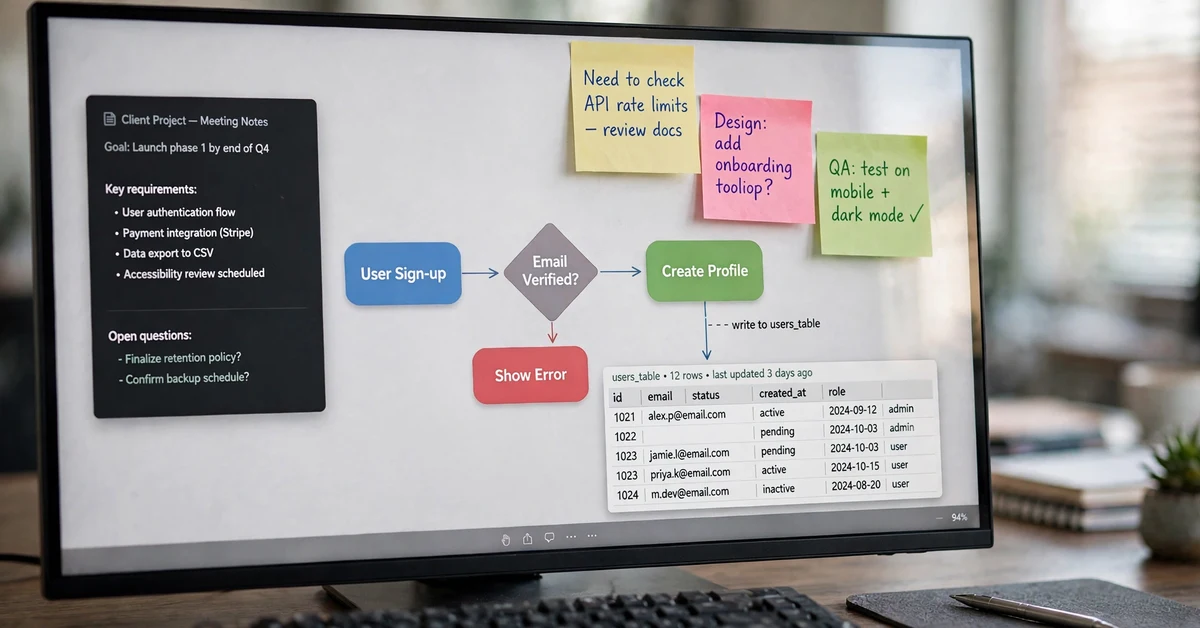
AFFiNE AI is the project’s multimodal AI partner, built into the workspace rather than pasted on top of it. It can write a professional work report, turn an outline into expressive slides, summarise an article into a mindmap, and sort a plan and backlog. Canvas AI generates mind maps for brainstorming.
The output lands as blocks, which means you can edit, move and delete it like anything else you wrote yourself. That matters, because AI output you cannot easily fix is AI output you will not trust.
Two caveats belong here. First, the AI features are part of the AFFiNE AI and Pro offering, not the plain self-hosted Community Edition core. Second, AI drafting still needs a human to check it: a summarised mindmap must be read to confirm it says what the article actually said. What Is Univer covers a similar split: the agent drafts, the human decides.
How Do You Install and Self-Host AFFiNE?
Getting started is deliberately easy. You can try AFFiNE on the web at app.affine.pro, or download the desktop and mobile clients. The project offers one-click Deploy to Render and Run on Sealos buttons, and full documentation at docs.affine.pro. Developers can build via GitHub Codespaces or locally.
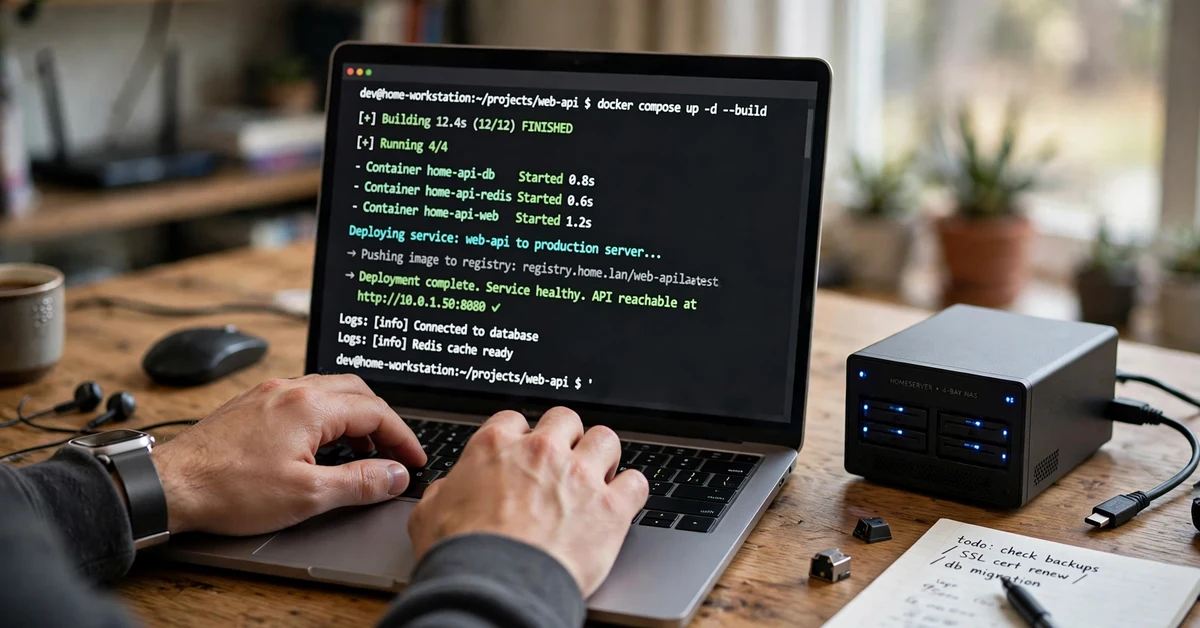
Self-hosting is where AFFiNE earns its privacy claim. You deploy your own feature-rich version with Docker, and your data lives on your own machine:
services:
  affine:
    image: ghcr.io/toeverything/affine:latest
    ports:
      - "3010:3010"
Check the current docs.affine.pro self-hosting guide before deploying, because image tags and environment variables change between releases — and with 604 releases behind it, this is a project that moves fast.
One practical warning: the default branch is “canary”, not “main”. Clone canary, or pick a tagged release — there are 811 tags — if you want a known-good version.
What Is AFFiNE Built On?
The editor is BlockSuite, the open-source collaborative editor behind AFFiNE. The sync layer uses yjs CRDTs, the conflict-free replicated data types that let multiple people edit the same document at once without overwriting each other. Underneath sit y-octo, a native, high-performance, thread-safe Yjs CRDT implementation in Rust, and OctoBase, an open-source, local-first database written in Rust.
Local-first means the data lives on your disk and syncs when it can, so the app stays fast offline. Real-time collaboration means two people can edit the same canvas at once and see each other’s changes live, and Rust at the bottom keeps the sync and storage layers fast enough to keep up.
The plugin story is the one piece still marked as future. A plugin community and third-party blocks are coming soon, so today you get what the team ships.
What Are the Limits and Honest Caveats?
The first caveat is the licence picture. The README’s Editions section says the Community Edition is free for self-host under the MIT licence, while the Enterprise Edition is yet to be published and will add rebranding, SSO and advanced audit. But the GitHub repository metadata itself shows the licence as “Other (NOASSERTION)” — so check the current licence files before building a business on the code.
The second caveat is the Enterprise Edition. It is not published yet, so rebranding, single sign-on and advanced audit do not exist today. If your organisation needs SSO before it can adopt a tool, AFFiNE cannot give it to you yet.
The third caveat is the plugin system. It is “coming soon”, which means extensibility is a roadmap item, not a shipping feature. If your workflow depends on a specific integration, check whether it exists before you migrate. AG-UI covers the protocol side of agent interaction, and the lesson applies here: an open plugin system is what turns a good app into a platform.
The fourth caveat is the build itself. AFFiNE is a big TypeScript and Rust monorepo — 11,576 commits across an editor, a sync engine, a database and a full application — a heavy build compared with a simple notes app. Most users will never notice, because they will use the hosted app or a Docker image and never compile anything.
Finally, the AI boundary matters. AFFiNE AI is part of the paid offering, not the plain self-hosted core, so the free self-hosted version is a workspace without an AI partner. That is a fair trade for many people, but it should be a conscious choice, not a surprise discovered after deployment.
Who Should Use AFFiNE?
AFFiNE fits people who think in both documents and diagrams and are tired of shuttling between two apps. If your work involves planning on a whiteboard and writing it up in a doc — product managers, researchers, teachers, students, small teams — the merged canvas saves real time. It also fits privacy-conscious users who want their notes on their own disk, and open-source supporters who would rather run a community project than rent one.
It does not fit everyone. If you need single sign-on today, the Enterprise Edition is not published yet. If your workflow depends on a specific plugin, check first. If you want the AI features, budget for the Pro offering. And if you only ever write plain notes, a simpler notes app will do the job with less weight. Stitch Skills for Google Stitch makes the same point in another domain: package a proven way of working once, reuse it many times, and keep a human in charge.
The test is simple: open the web app at app.affine.pro, start from a template like the vision board, and spend half an hour planning something real.
Frequently Asked Questions
What is AFFiNE?
AFFiNE is a privacy-first, local-first, open-source workspace that merges documents, whiteboards and databases into one app — an alternative to Notion and Miro, with docs, canvas and tables on a single edgeless canvas.
Is AFFiNE really free and open source?
The Community Edition is free for self-host under the MIT licence, according to the README Editions section — though the GitHub repo metadata itself shows “Other (NOASSERTION)”, so check the licence files first. The Enterprise Edition is yet to be published.
How do I self-host AFFiNE?
Deploy your own version with Docker, using the image ghcr.io/toeverything/affine, or use the one-click Deploy to Render and Run on Sealos buttons. The self-hosting guide at docs.affine.pro has full instructions.
What is AFFiNE AI?
AFFiNE AI is the project’s multimodal AI partner: it writes work reports, turns outlines into slides, summarises articles into mindmaps, and sorts plans and backlogs. It is part of the AFFiNE AI and Pro offering, not the plain self-hosted core.
What is AFFiNE built on?
AFFiNE is built on BlockSuite, the open-source collaborative editor, with yjs CRDTs for real-time sync, y-octo (a native, thread-safe Yjs CRDT implementation in Rust) and OctoBase (an open-source, local-first database in Rust).
Conclusion
AFFiNE is a clear, well-aimed idea: stop splitting thinking between a notes app and a whiteboard app, and build one hyper-fused workspace where docs, canvas and tables are the same material. With 75,391 stars and a number 14 spot on GitHub Trending on 20 November 2026, the developer community clearly wants this to work. The limits are real — the licence metadata needs checking, the Enterprise Edition and plugin system are not here yet, and the AI lives in the paid offering — but the core is strong: your data stays on your disk, and the code is yours to run.