DeepTutor Explained: The Lifelong Personalized AI Tutor That Remembers How You Learn
DeepTutor is a lifelong personalized AI tutor that learns from your own documents, courses and notes, remembers what you already know, and guides you step by step with quizzes, books and cited answers instead of answering each question from scratch.

Key facts
- Project: DeepTutor — DeepTutor: Lifelong Personalized Tutoring
- Stars: 62,097 stars and 7,473 forks on GitHub
- Commits: 4,122 commits, with 92 releases and 92 tags on the main branch
- Licence: Apache-2.0, open source
- Created: 2025-12-28, by HKUDS, the University of Hong Kong Data Science Lab
- Latest release: v1.7.4, released 2026-11-20, a desktop security update for macOS and Windows
- Previous release: v1.7.3, released 2026-11-16, added flexible reading and book editing, richer search, agent connections and clearer learning records
- Platforms: Desktop apps for macOS (Apple Silicon and Intel) and Windows, plus Docker, PyPI and source installs
- Languages: 17 interface languages, with an arXiv paper describing the design
Most study tools forget you the moment you close the tab. You ask a question, you get an answer, and tomorrow you start again from zero, re-explaining the subject and the exam you are preparing for. That reset is the problem DeepTutor is built to solve: learning that accumulates, so every document you add and every quiz you take feeds into a memory of what you know and what comes next.
That explains why the project has gathered such a large audience so quickly. A repository created at the end of December 2025 reaching more than 62,000 stars in under a year is unusual for a learning tool. Readers of the KongoTech homepage will recognise the pattern: the most interesting open-source projects right now are workspaces that combine several tools into one daily habit.
What makes DeepTutor a “lifelong” tutor instead of just another chatbot?
The difference is memory, and DeepTutor makes that memory visible. A normal chatbot keeps a short conversation history and then lets it slide away. DeepTutor keeps three layers of memory, called L1, L2 and L3: session traces, facts about you and your learning, and a synthesis of what you know and where you are heading. You can inspect that memory in a Memory Graph and edit it when it gets something wrong.
The lifelong idea also shows up in how the app is organised. You create a workspace for each subject or project. Home holds chat, a task board, a calendar and a learning notebook. Learning holds books, Mastery Paths, immersive reading and practice. Resources hold your chat history, question bank and Knowledge Center. DeepTutor comes from HKUDS, the University of Hong Kong Data Science Lab, the same group behind CLI-Anything, and the team has published an arXiv paper describing the design.
How do knowledge bases and RAG actually work in DeepTutor?
A knowledge base is the heart of DeepTutor: a versioned library of your own material. You upload documents, and the system indexes them so the tutor can retrieve the right passages when you ask a question. DeepTutor supports several retrieval approaches, including LlamaIndex, PageIndex, GraphRAG and LightRAG, and you can choose the pipeline for each knowledge base.
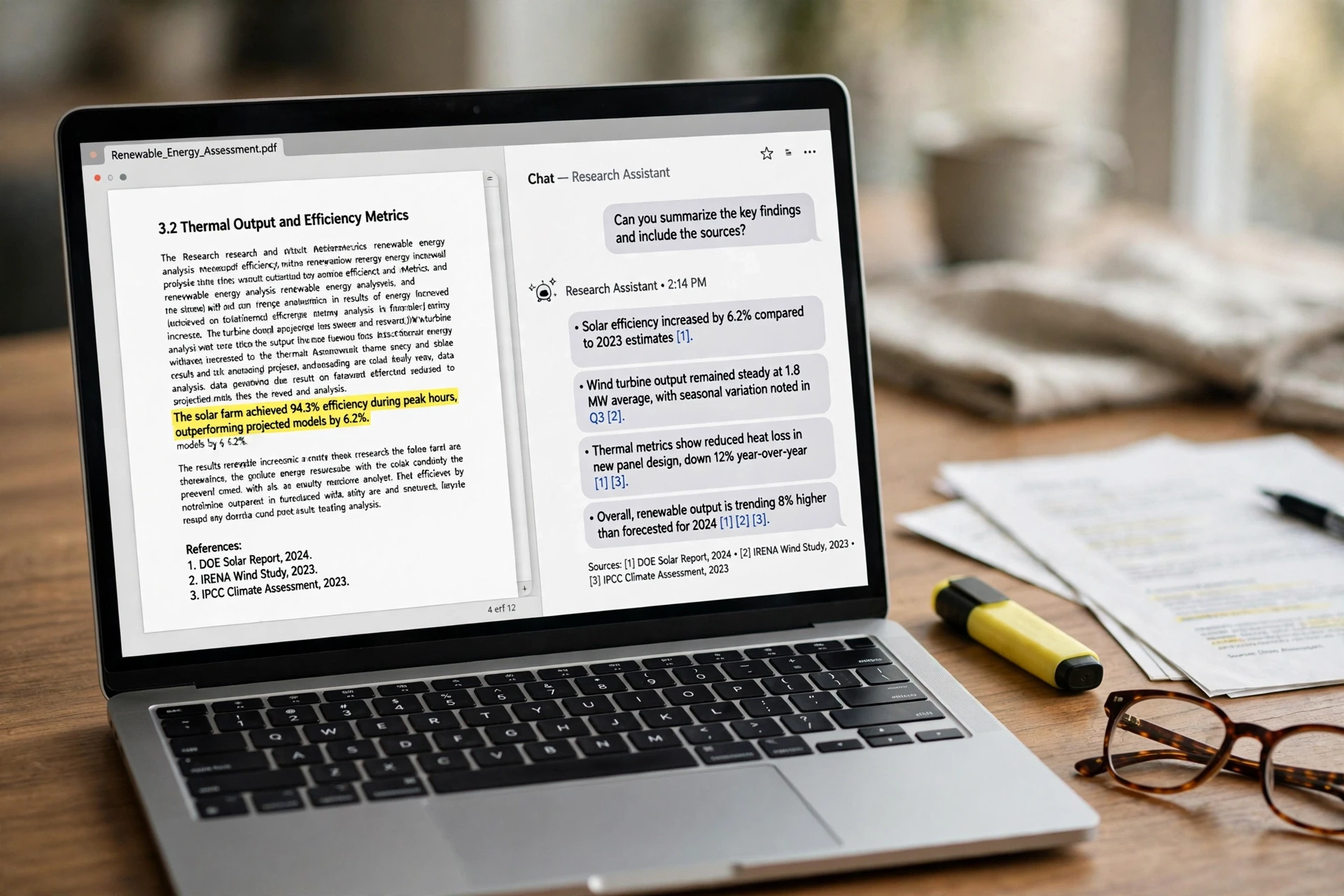
The payoff is that answers come with source-linked citations. When you ask about a concept in your course notes, the tutor can point to the exact document and passage it used, and you can open the source beside the chat to check it. Video and audio can sit alongside documents too: a YouTube lesson, a recorded lecture and a textbook chapter on the same topic, all in one workspace. You can re-index a knowledge base when documents change, and the index history stays visible.
What are Mastery Paths, and why do they gate your tools?
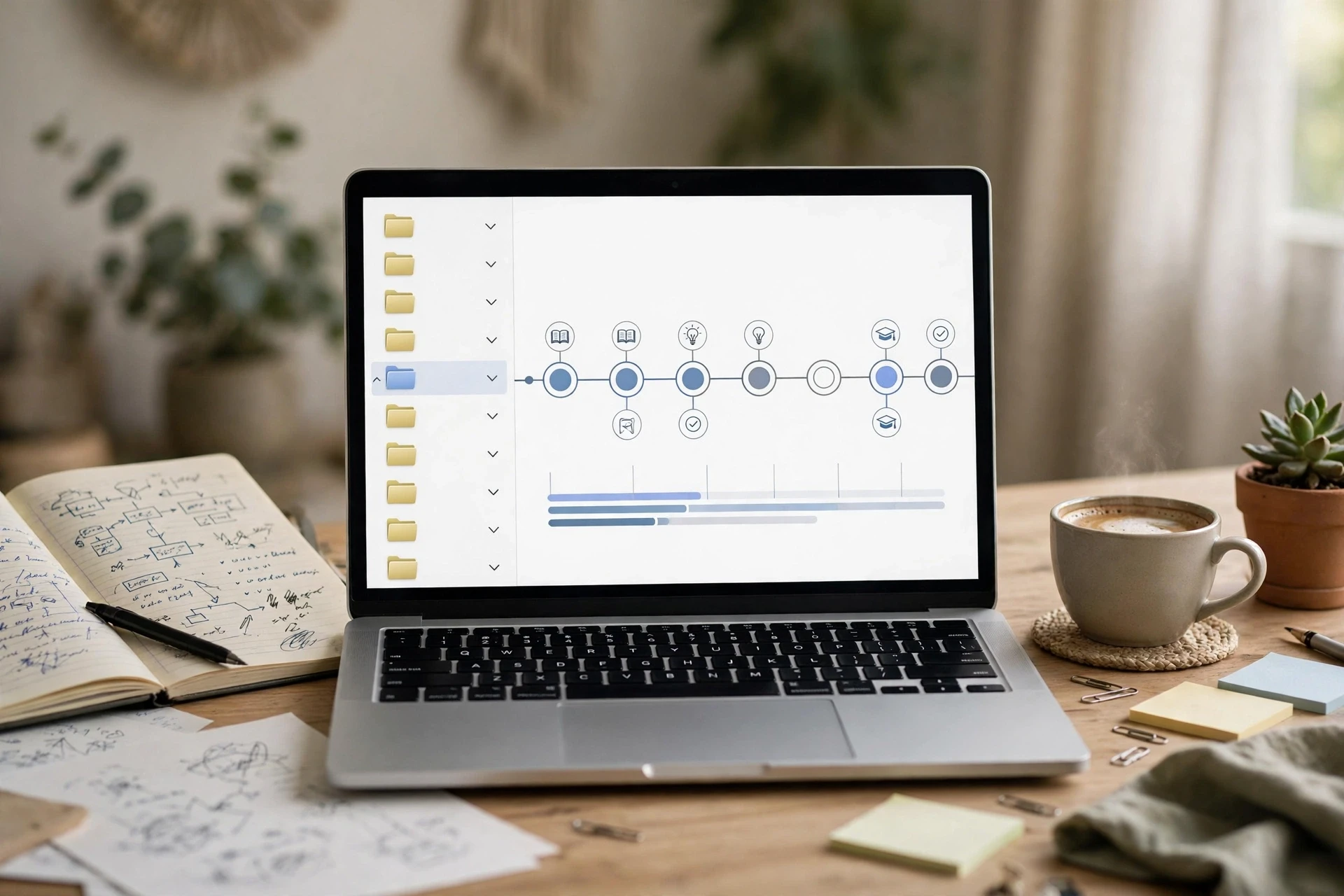
Mastery Paths are DeepTutor’s answer to a real teaching problem: giving a learner every tool at once is not helpful. A Mastery Path breaks a subject into stages, and each stage unlocks the tools that fit it. You work through the material, prove you understand it, and only then does the next set of tools open up.
The recent rebuild of Guided Learning made this gate strict in a deliberate way. Each learning type now has a hard per-type mastery gate, and a dedicated learning dashboard shows where you stand. Because the tutor remembers what you have already mastered, it can tell a topic you genuinely know from one you only glanced at. If you already know the foundations, the path moves faster; if you keep failing the same kind of question, it slows down.
What can you build and practise inside DeepTutor?
DeepTutor packs many learning modes into one runtime: Chat, Quiz, Research, Visualize, Solve, Mastery Path and Reading all share the same session context while keeping their own purpose-built workflows. You can read a chapter, ask a question about it, and turn the answer into a quiz, all without re-uploading the material.
Practice is where that range pays off. The question bank collects questions you generate or save, with bookmarks and categories so you can return to weak spots. Quizzes are generated from your own material, and the system guards against duplicates, so repeated practice stays fresh. The Book Engine compiles your material into a living book you can read, edit and chat with, the Co-Writer helps you draft alongside multiple documents, and narrated video lessons turn written material into something you can watch.
Exports keep your work portable. You can export to Anki for spaced repetition, send tasks to your calendar, export chats to Markdown, and save material to a notebook. A tutor that locks your notes inside its own format is a trap. DeepTutor lets the work you did leave the app in usable forms.

How do Partners, skills and the CLI fit together?
Partners are DeepTutor’s persistent AI companions. A Partner is not a single chat session: it has its own memory, resources and messaging channels, and it keeps running in the background. You can consult live agents such as Claude Code, Codex and Grok CLI through the system and import past conversations from those tools.
Skills extend the same idea. You can add built-in or community skills, install them with a command such as deeptutor skill install behind a security gate, and write your own. MCP services, CLI apps, personas and generation models all plug into the same agent-native runtime. The AG-UI explainer covers a related idea, how agents and user interfaces talk to each other, and the Stitch Skills for Google Stitch guide shows how skill systems are spreading across other tools too. The DeepTutor CLI is the agent-native interface for the terminal: run deeptutor init --cli, then deeptutor chat.
How do you install and start DeepTutor?
The simplest route is the desktop app. Open DeepTutor bundles Python, Node.js and the full learning workspace, so no terminal or separate runtime installation is needed. Download the installer from the latest GitHub release: a DMG for Mac with Apple Silicon or Intel, or a setup executable or portable ZIP for Windows x64. The v1.7.4 release was a security update for these desktop builds.
Docker is the fastest way to try the full web app without installing anything. One command starts it on port 3782, with a named volume that preserves your settings and local data:
docker run --rm --name deeptutor -p 127.0.0.1:3782:3782 -v deeptutor-data:/app/data ghcr.io/hkuds/deeptutor:latestThen open http://127.0.0.1:3782 in a browser. The PyPI route needs Python 3.11 to 3.14 and Node.js 20.9 or newer: installing deeptutor[full] gives you the web app and CLI, while bare deeptutor installs only the core chat and SDK. After starting the app, configure a provider and model under Settings, then Providers and Language models. Source installation is also available for developers, and the docs site at deeptutor.info carries guides for workspaces, local data and troubleshooting. The What Is Univer article covers another open-source project with a similar install-then-configure shape.
Who is DeepTutor best for, and who should skip it?
DeepTutor fits best anyone who studies from their own material over weeks and months: students working through a course, researchers reading papers, professionals learning a new field, and self-learners building a skill from books and videos. If your learning is a project rather than a single question, the setup time pays for itself quickly.
It also fits people who care about privacy and control. Because you can run it locally, with local models and local data, your study material does not have to leave your machine. Who should skip it? If you only want a quick answer to one question, a general chatbot is faster. And with 92 releases behind it, menus and workflows can still shift between versions.
How does DeepTutor compare with a generic AI chat app?
A generic chat app is a brilliant conversationalist with no memory of your syllabus and no access to your library unless you paste it in each time. DeepTutor is the opposite trade: a little more setup, in exchange for a tutor that knows your material, tracks your mastery and keeps your work organised. The chat app wins on speed for one-off questions. DeepTutor wins on depth.
The comparison also turns on trust. A chat app’s answer is only as good as its training data, and it will rarely tell you when it is guessing. DeepTutor grounds its answers in documents you chose, shows citations, and lets you audit the memory behind its personalization. An answer you can verify is worth more than an answer that merely sounds right. With more than 62,000 stars and a community building skills around it, DeepTutor is one of the most promising learning tools on GitHub right now.
Is DeepTutor free to use?
Yes. DeepTutor is open source under the Apache-2.0 licence, and you can download it, run it locally and inspect the code. You do need to configure your own language model provider, and that provider may charge for its own usage.
What do I need to run DeepTutor on my computer?
For the desktop app, just the installer for macOS or Windows. For the PyPI install you need Python 3.11 to 3.14 and Node.js 20.9 or newer. For Docker you need only Docker itself, and the app runs on port 3782.
Can DeepTutor read my PDFs and course notes?
Yes. You add documents to a knowledge base, and DeepTutor indexes them with a retrieval pipeline such as LlamaIndex, PageIndex, GraphRAG or LightRAG. Answers then come with citations linked to the source documents.
Does DeepTutor remember what I have already learned?
Yes. DeepTutor keeps three layers of memory covering session traces, facts about your learning and a synthesis of your knowledge. You can inspect and edit that memory in the Memory Graph, and Mastery Paths use it to gate tools until you are ready.
Is DeepTutor available in languages other than English?
Yes. DeepTutor supports 17 interface languages, including Chinese, French, Spanish, Arabic, Hindi, Portuguese, Japanese and German, with full Chinese localization added early in the project.