Firecrawl Explained: Turn Any Website Into LLM-Ready Markdown for Your AI Agents
Firecrawl is an open-source tool that turns any website into clean, LLM-ready markdown, so an AI agent can read the web instead of choking on raw HTML. It offers search, scraping, crawling and mapping through one API, and it runs locally on your own machine or at scale in the cloud.
Key facts
- Project: firecrawl/firecrawl on GitHub — knowledge infrastructure to make your agents smarter
- GitHub stars: 204,641, with 10,725 forks (checked 20 November 2026)
- GitHub Trending: number 6 on 20 November 2026
- Licence: AGPL-3.0
- Created: 15 April 2024
- Commits: 6,938
- Releases: 35, with 896 tags
- Tagline: “Knowledge infrastructure to make your agents smarter. Search, scrape and 550+ data providers through one API.”
- Three ways to use it: Firecrawl Local, Firecrawl Cloud, or self-hosting the full server
- Free tier: Firecrawl Keyless gives 1,000 free credits a month, no API key or signup
What Is Firecrawl and Why Does It Matter?
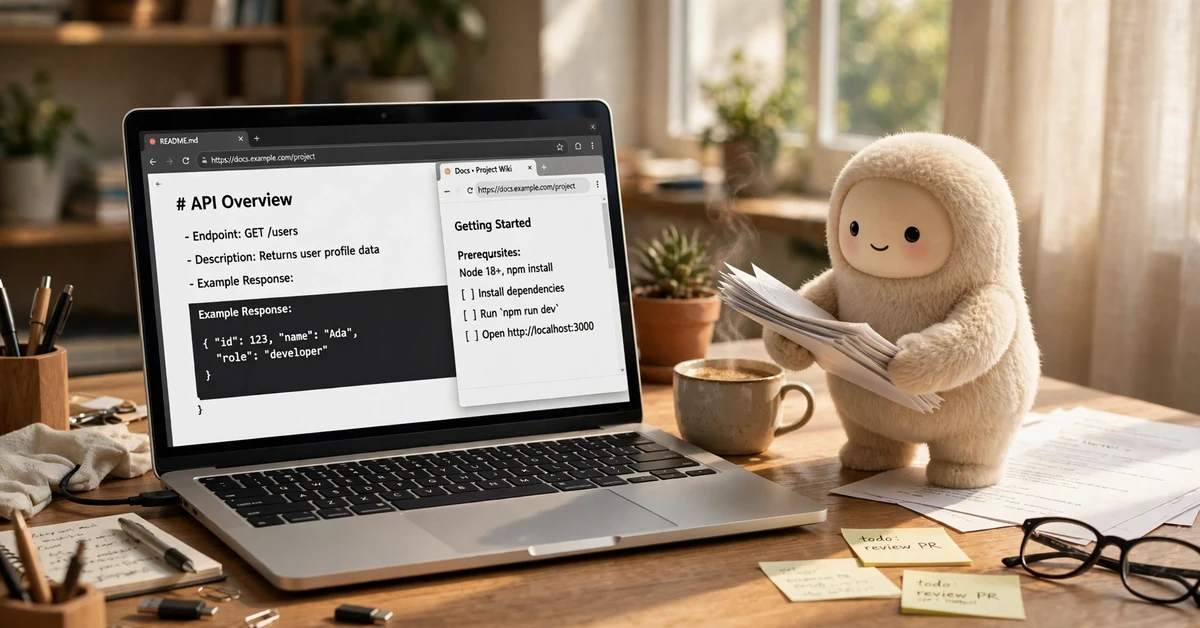
Most of the web was built for human eyes, not for language models. Underneath a clean-looking page sit navigation menus, cookie banners, tracking scripts and JavaScript that only renders after the page loads. Firecrawl fixes that gap: it fetches a page, renders it properly, strips the noise, and hands back clean markdown — headings, paragraphs, links and tables, in the format models were trained to read.
Its tagline says it plainly: “Knowledge infrastructure to make your agents smarter.” Firecrawl is not a scraping library for humans; it is plumbing for agents. An agent that needs to check a price, read documentation or monitor a page should not have to fight the DOM; it should ask Firecrawl and get readable text. That is why it sits at the centre of so many agent stacks, alongside the other agent tools on the KongoTech homepage.
How Does Firecrawl Turn a Website Into Markdown?
Give Firecrawl a URL and it returns the page as markdown. Behind that one step, a pipeline fetches the page, renders JavaScript in a real browser, removes navigation, ads and tracking scripts, and converts what remains into structured text. PDFs and Office documents are parsed locally too. The result keeps the information and drops the chrome — less noise and fewer wasted tokens.
Firecrawl offers four basic operations. Scrape takes one URL and returns one page as markdown, structured JSON or a screenshot. Crawl walks a site from a starting URL, scraping every page it finds up to a limit you set. Map returns a site’s link structure without scraping the pages. Search queries the web and returns LLM-ready results. Batch Scrape, Monitor and Alexandria cover bulk work, change tracking and the Cloud data layer.
What Is Firecrawl Local, and How Do You Install It?
Firecrawl Local is a single binary that runs on your own machine, turns websites into clean markdown, plugs into your AI agent as an MCP server, and serves the Firecrawl API on localhost — no account, no API key, and no data leaving your machine.
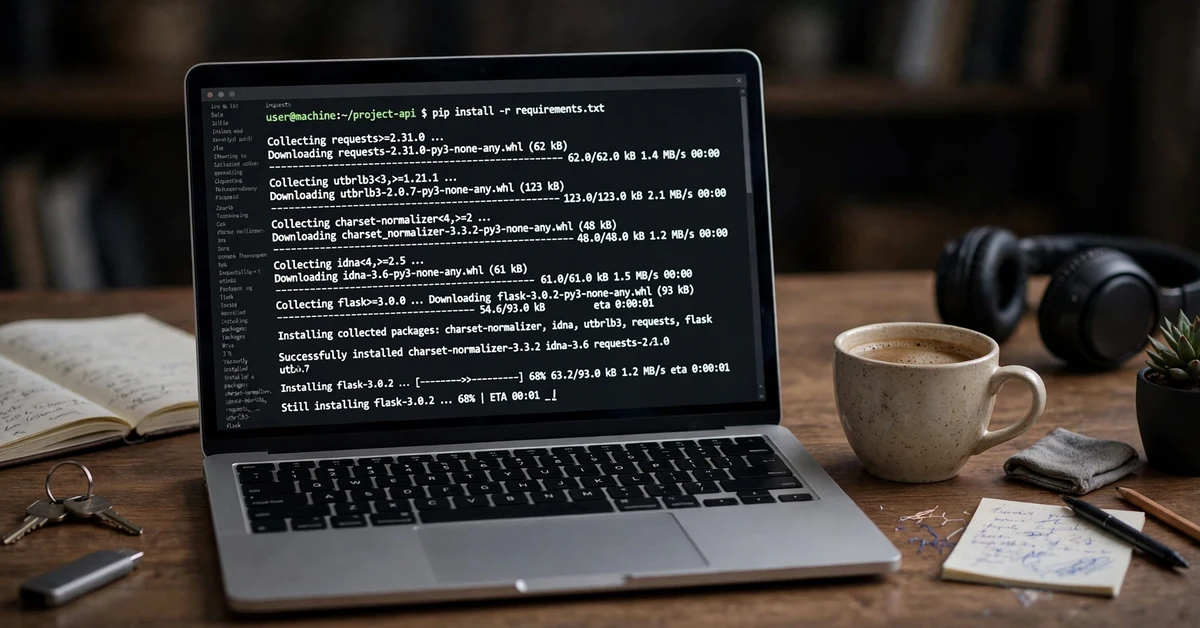
Installation needs Rust and a C compiler, then one command:
cargo install firecrawl-localTo scrape a single page as markdown:
firecrawl-local scrape https://firecrawl.dev --markdownTo crawl a whole site:
firecrawl-local crawl https://docs.firecrawl.dev --limit 50 --out ./pagesThe command that matters most for agent work is init. Running firecrawl-local init adds Firecrawl Local as an MCP server to Claude Code, Claude Desktop, Cursor, Windsurf, Gemini CLI and Codex. It backs up your config files first and needs Node.js 22 or newer. After that, your agent can search, scrape and crawl the web from inside its normal workflow, and firecrawl-local serve answers the Firecrawl v2 API on port 3002 with no API key needed.
What Can Firecrawl Cloud Do That Local Cannot?
Firecrawl Cloud is the hosted service. It does everything Local does at scale, plus the features that need serious infrastructure, claiming 96 percent web coverage at a P95 latency of 3.4 seconds.
Cloud-only features are Search, Interact, Agent, Alexandria and Monitor, plus structured JSON and screenshots. Interact scrapes a page and then interacts with it — searching and clicking — to reach content that only appears after an action. Agent takes a description of what you need, no URLs required, and finds the data itself using the spark-2 model; pass it a schema and it returns structured data in that shape. Alexandria is the data layer behind it all, with 550 or more providers, and Monitor watches pages and reports changes over time.
There is a graceful fallback: single-page scrapes that will not load locally are fetched by Firecrawl Cloud instead, marked "source": "firecrawl-cloud". Those calls work without an account at a limited rate; firecrawl-local login puts them on your account, and FIRECRAWL_CLOUD=off keeps everything on your own machine.
The free tier is generous: Firecrawl Keyless gives 1,000 free credits a month with no API key or signup. The SDKs are easy to start with: Python, from firecrawl import Firecrawl; Node, new Firecrawl({apiKey: "fc-YOUR_API_KEY"}); command line, npx -y firecrawl-cli@latest scrape https://firecrawl.dev. The service handles the mechanical work; the human or the agent keeps the decisions. What Is Univer shows the same shift inside office documents.
How Do You Use Firecrawl With an AI Agent?
Think of Firecrawl as an agent’s eyes on the web. An agent limited to its training data goes stale the moment the world changes; with Firecrawl it can check documentation, read release notes, compare prices, or verify a claim against a live page. Once firecrawl-local init has registered the MCP server, the agent calls Firecrawl like any other tool.
A common workflow starts with Map: the agent maps a site, then scrapes only the pages that matter, saving tokens and time. For research, Search plus Scrape is the pair: search finds the pages, scrape reads them properly, and the agent synthesises from clean markdown instead of guessing from snippets.
For structured work, the Cloud’s Agent mode changes the job. Instead of a list of URLs, you describe the data you want and pass a schema. The agent finds the pages and returns data in the shape you asked for. Combined with Batch Scrape and Monitor, that covers most real data-gathering work. The serve command is the quiet enabler: build and test against your own machine on port 3002, then switch to the Cloud by changing the endpoint and adding a key. AG-UI covers the protocol side of agent-to-user interaction: the agent should show its work, and the human should see where every fact came from.
What Are the Limits and Honest Caveats?
The first caveat is the licence. Firecrawl is released under the AGPL-3.0, which matters if you self-host the server or build a commercial service on it: the AGPL requires you to share the source of a modified version you offer over a network. Using it as a tool is a different matter from embedding it in a product you sell, so read the licence first.
The second caveat is the split between Local and Cloud. Interact, Agent, structured JSON extraction and screenshots need Firecrawl Cloud, not Local. Local handles scrape, crawl, map and search, but the heavier features — the ones that click, reason and extract structured data — live on the hosted service.
The third caveat is the oldest one in scraping: permission. Scraping must respect sites’ terms of service and robots rules. A tool that can read any page does not give you the right to read every page, and ignoring a site’s rules can get your IP blocked or your account closed. Check the terms, respect robots.txt, and do not republish someone else’s content. No scraper is perfect: pages behind a login or a CAPTCHA will still resist automated reading.
Who Should Use Firecrawl?
Firecrawl fits anyone whose agent needs to read the live web. If you are building an AI agent that answers questions about current documentation, prices, news or research, it is the shortest path from a URL to usable text. It fits developers who gather data from many sites, because one API replaces a pile of one-off scrapers.
It fits teams that want a local-first option. A developer who runs cargo install firecrawl-local and gets a folder of markdown files has a working pipeline in minutes, with no account and no key. A team that needs scale or structured extraction can move the same code to the Cloud, and the free 1,000 credits a month make that easy to test.
It does not fit everyone. If your pages are already clean and structured, or your data comes from a proper API, it adds nothing. If you need content behind a login or a CAPTCHA, Firecrawl will not open it for you. And if you are building a commercial service on the self-hosted code, read the AGPL-3.0 licence first. Stitch Skills for Google Stitch makes the same point in another domain: package a proven way of working once, reuse it many times, and keep a human in charge.

Frequently Asked Questions
What is Firecrawl?
Firecrawl is an open-source tool that turns any website into clean, LLM-ready markdown, so AI agents can read the web. It offers search, scraping, crawling and mapping through one API, and runs locally or in the Cloud.
How many GitHub stars does Firecrawl have?
Firecrawl has 204,641 stars and 10,725 forks on GitHub, checked on 20 November 2026, when it held the number 6 spot on GitHub Trending. It was created on 15 April 2024 under the AGPL-3.0 licence.
What is Firecrawl Local?
Firecrawl Local is a single binary that runs on your own machine, turns websites into clean markdown, plugs into your AI agent as an MCP server, and serves the Firecrawl API locally. Install it with cargo install firecrawl-local.
Does Firecrawl have a free tier?
Yes. Firecrawl Keyless gives 1,000 free credits a month with no API key or signup. Local scrapes that will not load fall back to Firecrawl Cloud at a limited rate, and firecrawl-local login puts those calls on your account.
Can Firecrawl scrape JavaScript-heavy pages?
Yes. Firecrawl Local renders JavaScript-heavy pages in the Chrome or Chromium already on your machine, and Firecrawl Cloud claims 96 percent coverage, including JavaScript-heavy pages, at a P95 latency of 3.4 seconds.
Conclusion
Firecrawl is a clear, well-aimed idea: hand the messy, JavaScript-heavy web to AI agents as clean, LLM-ready markdown. With 204,641 stars and a number 6 spot on GitHub Trending, the developer community has clearly decided this is a problem worth solving. Firecrawl Local makes the capability free and private, running on your own machine and plugging into your agent as an MCP server, while Firecrawl Cloud adds search, agents, structured extraction and 550 or more data providers. The limits are real — the AGPL-3.0 licence, Cloud-only features, and the need to respect sites’ terms and robots rules — but the direction is right. The agent gets clean text; the human keeps the judgement.