Ghost Downloader 3 Explained: The Only Downloader You Need for HTTP, Torrents and Streaming
Ghost Downloader 3 is a free, open-source download manager that handles HTTP, torrents, FTP, streaming video and more inside a single app for Windows, macOS, Linux and Android. It downloads YouTube and Bilibili clips in any quality with subtitles, grabs GitHub and HuggingFace files with mirror acceleration, and keeps your progress safe even when a download is interrupted.

Key facts
- Project: Ghost Downloader 3 — “The only downloader you need.”
- GitHub stars: 14,019, with 853 forks (checked 21 November 2026)
- Commits: 1,769, with 39 watchers
- Licence: GPL-3.0
- Created: 16 August 2023
- Releases: 94, with 95 tags; default branch
main - Protocols: HTTP, Magnet/BT, FTP, M3U8, MPEG-DASH, eD2k, plus YouTube, Bilibili, GitHub and HuggingFace
- Platforms: Windows 10+ (x86_64/arm64), macOS 13.0+ (x86_64/arm64), Linux glibc 2.35+ (x86_64/arm64), Android 9.0+ (arm64-v8a)
- Built with: Python, PySide6/Qt, Fluent Design
- Documentation:
gd.xychr.com
What Is Ghost Downloader 3 and Why Does It Matter?
Most people collect download tools the way they collect cables: one app for torrents, a browser extension for videos, a command-line tool for large files, and something else for their phone. Ghost Downloader 3 replaces that pile with a single app — a free, open-source download manager covering direct downloads, torrents, FTP, streaming media and developer files, with the same interface on Windows, macOS, Linux and Android.
The idea matters because downloads fail in the middle more often than anyone admits. A browser download stops when the tab closes; a video downloader cannot handle a torrent; a phone download dies when the screen locks. Ghost Downloader 3 is built around the opposite promise: progress is never lost. It resumes interrupted downloads, keeps running in the background on Android, and lets you change a URL, headers or proxy mid-download without starting over.
The project has earned its audience honestly: with 14,019 stars and 853 forks on GitHub, checked on 21 November 2026, it sits on GitHub Trending as a tool people actually use every day. It started as a passion project to help a Bilibili creator manage resources and has grown into a four-platform app with a growing Feature Packs plugin ecosystem. For a closer look at how other open tools are covered here, start at the KongoTech homepage.
Which Protocols and Sources Does It Support?
Ghost Downloader 3 supports HTTP, Magnet/BT, FTP, M3U8, MPEG-DASH and eD2k in one app, so the protocol stops being a reason to open a second tool. A direct file link, a magnet link, an FTP server and a live stream all land in the same task list, with the same pause, resume and speed controls.
Video sites get special treatment: YouTube and Bilibili downloads support clip selection, any quality and subtitles, plus playlists and multi-part episodes, so you can save exactly the section you want. GitHub and HuggingFace downloads come with mirror acceleration, which helps when the main server is slow or blocked in your region.
Under the hood it uses smart chunking without file merging, auto-detects your bandwidth, and uses real-browser TLS fingerprints so its requests look like a normal browser and stay invisible to anti-bot checks.
How Does the Download Button and Browser Extension Work?
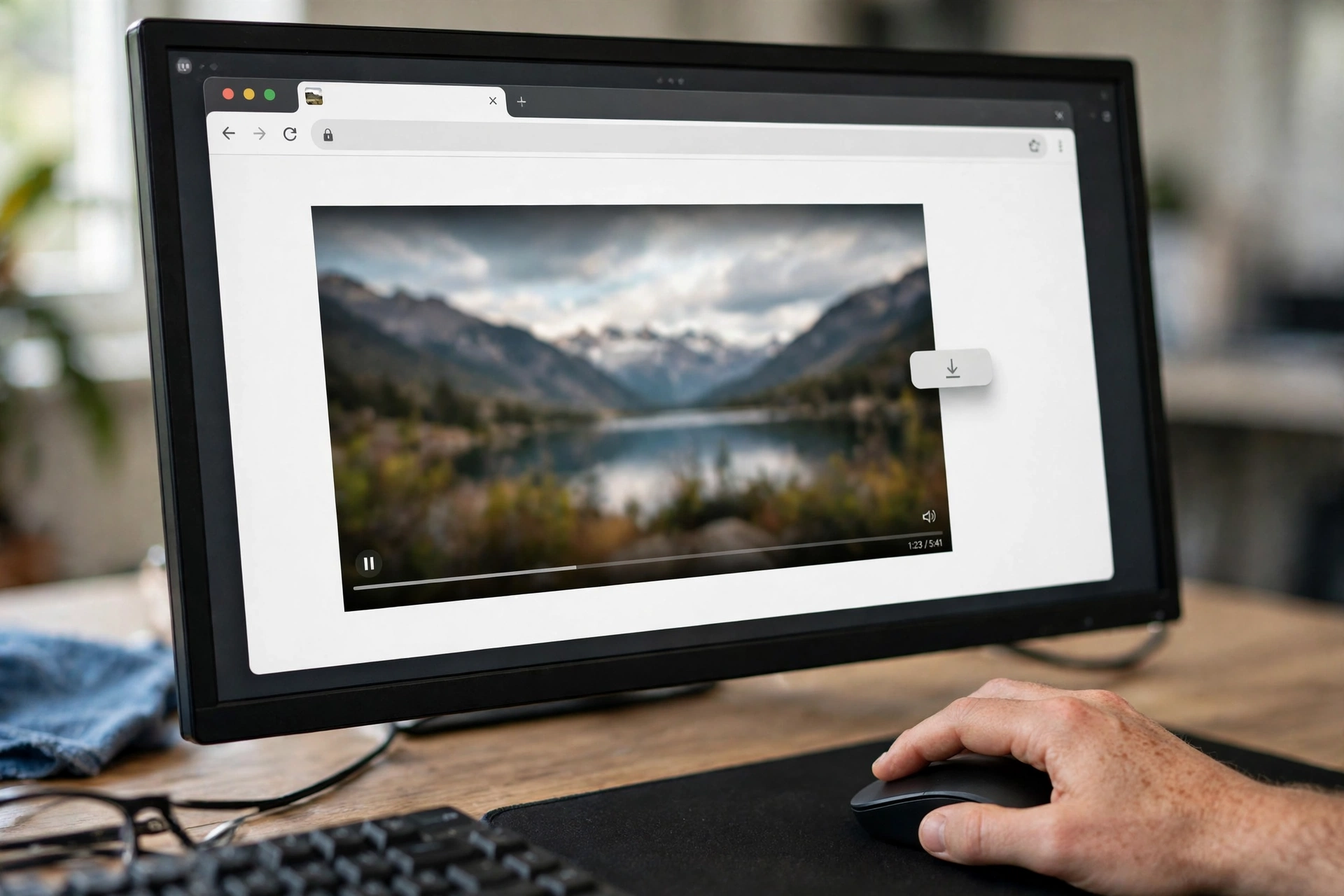
Ghost Downloader 3 meets you where the file already is: in the browser. A download button follows the video on the page, so when you find a clip worth keeping, one click sends it to the desktop app — no copying links, no pasting URLs, no switching windows.
The browser extension goes further: its popup lists every medium on the page — every video, audio file and image — so you can pick exactly what to save. Download as you normally would and the desktop app takes over automatically, with your authentication state carried over, so files behind a login you already have still download.
What Can You Do on Android?
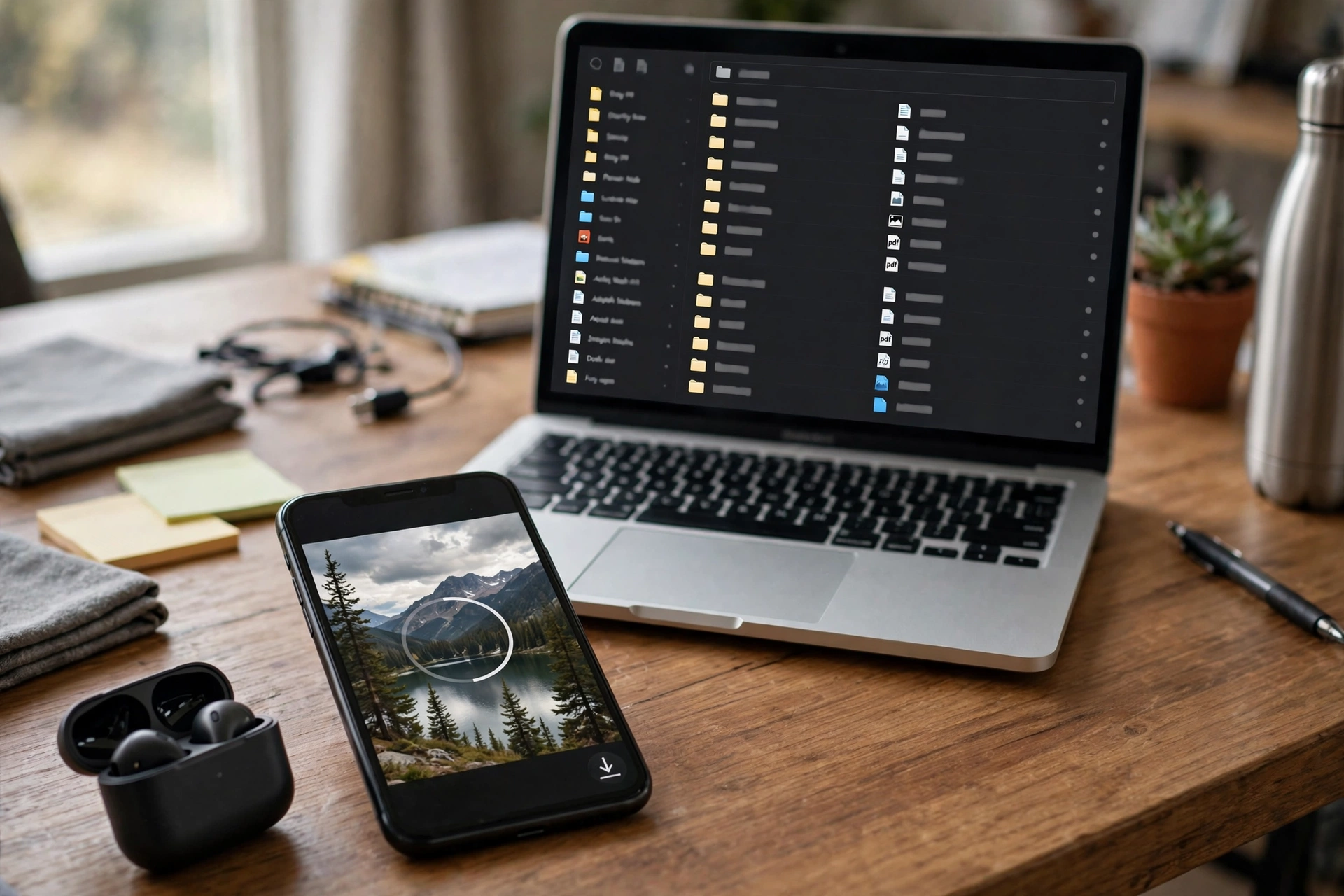
The Android version is a real download manager, not a cut-down companion app. On Android it records live M3U8 streams and keeps downloading in the background, so a stream you start on your phone keeps going when you switch apps or lock the screen. That is the feature most phone downloaders get wrong, and it is the one that matters most for long videos and live broadcasts.
It runs on Android 9.0 and newer on arm64-v8a devices, covering nearly every modern Android phone. The same task list, resume behaviour and protocol support carry over from the desktop, so downloads feel the same on both devices. What Is Univer shows a similar pattern in another category: one tool, many surfaces, the same workflow everywhere.
What Can the ghd Command Line Tool Do?
Power users get a command-line tool called ghd, installed from Settings → Command Line Tool. It exposes the same download engine to scripts and terminals, and it speaks an aria2-compatible RPC API, so third-party tools that already talk to aria2 can talk to Ghost Downloader 3 too.
The commands are short and readable. Probe a link before you commit to it:
ghd probe <url>Add one or more downloads:
ghd add <url>...List your tasks, inspect one in detail, and control it:
ghd tasks
ghd task <taskId>
ghd pause/start/remove <taskId>
Wait for a download to finish before the next step in a script runs:
ghd wait <taskId>That last command is the quiet workhorse: a script can add a download, wait for it, and then process the file, turning the downloader into one step of a larger pipeline. AG-UI covers the protocol side of tools talking to each other: the agent should show its work, and the human should see where every fact came from.

Which Platforms Does It Run On?
Ghost Downloader 3 runs on Windows 10 and newer (x86_64 and arm64), macOS 13.0 and newer (x86_64 and arm64), Linux with glibc 2.35 and newer (x86_64 and arm64), and Android 9.0 and newer (arm64-v8a). That is four platforms from one codebase, built with Python, PySide6/Qt and Fluent Design, which is why the interface looks the same wherever you open it.
Linux users get two community-maintained Arch Linux AUR packages, ghost-downloader-bin and ghost-downloader-git. The project ships 94 releases and 95 tags on the main branch. Translations run through Crowdin; the source text is Simplified Chinese, with the English reviewed by hand. Documentation lives at gd.xychr.com, and a growing Feature Packs plugin ecosystem adds capabilities on top of the core app.
What Are the Limits and Honest Caveats?
The first caveat is hardware. Qt 6.6 and newer no longer supports CPUs without the AVX instruction set, so very old machines may not run current builds. Check your CPU before you install, especially on an older Linux box or a hand-me-down laptop.
The second caveat is permission. Downloading a video you do not own, or redistributing someone else’s content, can break a site’s terms of service and the law where you live. Ghost Downloader 3 is a tool for saving files you have the right to keep — your own uploads, Creative Commons material, public datasets and files behind logins you legitimately hold.
The third caveat is scope. Mirror acceleration helps GitHub and HuggingFace downloads, but it is not a VPN and will not make a blocked site reachable on its own. The browser extension needs the desktop app to take over downloads, so the full experience is a pair. And the English documentation is hand-reviewed rather than native, so a phrase may occasionally read oddly — the behaviour underneath is solid.
Who Should Use Ghost Downloader 3?
Ghost Downloader 3 fits anyone who downloads from more than one kind of source. If your week includes a torrent, a YouTube clip, a dataset from HuggingFace and a file from GitHub, it replaces four tools with one, and it keeps your progress when any of them stalls. It fits creators and researchers who save clips, subtitles and multi-part episodes, because clip selection and playlist support are built in.
It fits developers and power users too: the ghd tool and aria2-compatible RPC API turn downloads into something a script can drive, and changing a URL, headers or proxy mid-download saves the re-download that eats an afternoon. Stitch Skills for Google Stitch makes the same point in another domain: package a proven way of working once, reuse it many times, and keep a human in charge.
It does not fit everyone. If you only ever download the occasional file from your browser, the browser’s built-in downloader is enough. If your machine lacks AVX support, current builds will not run. And if you need a download manager only on a phone, check that your device runs Android 9.0 or newer on arm64-v8a first.
Frequently Asked Questions
What is Ghost Downloader 3?
Ghost Downloader 3 is a free, open-source download manager for HTTP, torrents, FTP, streaming video and more on Windows, macOS, Linux and Android. It started as a passion project to help a Bilibili creator manage resources and now ships on four platforms with a growing Feature Packs plugin ecosystem.
How many GitHub stars does Ghost Downloader 3 have?
Ghost Downloader 3 has 14,019 stars and 853 forks on GitHub, checked on 21 November 2026. It was created on 16 August 2023, has 1,769 commits and 94 releases, and is licensed under the GPL-3.0.
Which protocols does Ghost Downloader 3 support?
Ghost Downloader 3 supports HTTP, Magnet/BT, FTP, M3U8, MPEG-DASH and eD2k, plus YouTube and Bilibili with clip selection, any quality and subtitles, and GitHub and HuggingFace with mirror acceleration, including playlists and multi-part episodes.
Does Ghost Downloader 3 work on Android?
Yes. It runs on Android 9.0 and newer on arm64-v8a devices, records live M3U8 streams, and keeps downloading in the background even when you switch apps or lock the screen.
What is the ghd command-line tool?
ghd is Ghost Downloader 3’s command-line tool, installed from Settings → Command Line Tool. It offers ghd probe <url>, ghd add <url>..., ghd tasks, ghd task <taskId>, ghd pause/start/remove <taskId> and ghd wait <taskId>, plus an aria2-compatible RPC API for third-party tools.
Conclusion
Ghost Downloader 3 earns its tagline by doing the unglamorous job well: one app for HTTP, torrents, FTP, streaming and developer files, on Windows, macOS, Linux and Android, with progress that is never lost. With 14,019 stars, 853 forks and 1,769 commits behind it, the project has grown from a passion project for one Bilibili creator into a four-platform download manager with a browser extension, a command-line tool and a plugin ecosystem. The limits are real — AVX-only CPUs, the desktop app needed alongside the extension, and the usual rules about what you may legally download — but for anyone who pulls files from more than one corner of the internet, it is the only downloader you need.