Arcane: Modern Docker Management Designed for Everyone
Arcane is a modern, open-source Docker management dashboard that lets you run containers, images, volumes, networks and Compose projects from a clean web interface, on local and remote hosts, with built-in vulnerability scanning and automatic updates. It is a single Go binary shipped as a container, free under the BSD 3-Clause licence, with no feature gating.
Key facts
- Project: getarcaneapp/arcane on GitHub — modern Docker management, designed for everyone
- GitHub stars: 9,529, with 523 forks (checked 18 November 2026)
- Licence: BSD 3-Clause “New” or “Revised” License
- Created: 19 April 2025
- Commits: 4,567, across 114 releases
- Stack: Go backend with a SvelteKit and TypeScript frontend
- Current version line: v3 on the main branch (the 2.x line lives on a separate release branch)
- Web UI port: 3552
What Is Arcane and Why Does It Matter?
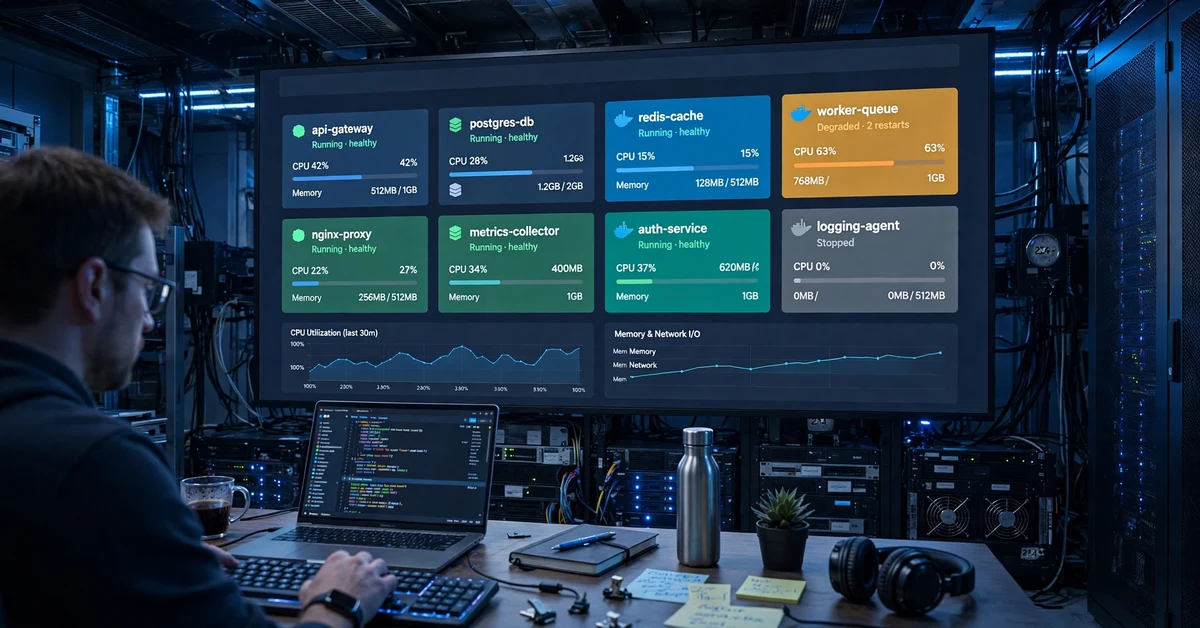
Docker made shipping software easy and managing it tedious. The command line is powerful, but checking which containers are running, which images are out of date, which volume is eating your disk and which Compose stack failed overnight means a dozen commands and a lot of scrolling. Arcane wraps the Docker Engine API in a dashboard: containers, images, volumes, networks and Compose projects, plus the things the command line makes tedious, such as live log streaming, an exec shell in the browser, Trivy vulnerability scanning, image update tracking and a fleet view where one manager drives Docker daemons on other machines through a small agent.
The project has grown fast since its creation in April 2025, passing 9,500 stars and 114 releases by November 2026, with new versions landing roughly every four days. That pace matters for a tool that sits between you and your infrastructure: bugs get fixed quickly and features arrive steadily. The current main branch is the v3 line, a sign the project is comfortable breaking old assumptions to get the interface right. It is also genuinely free: the whole thing is BSD-licensed with no feature gating, so the vulnerability scanner, the multi-host support and the Git sync are in the same download as the dashboard itself. New Docker tools appear regularly on the KongoTech homepage, and Arcane is the one homelab owners keep recommending to each other.
What Can You Manage With Arcane?
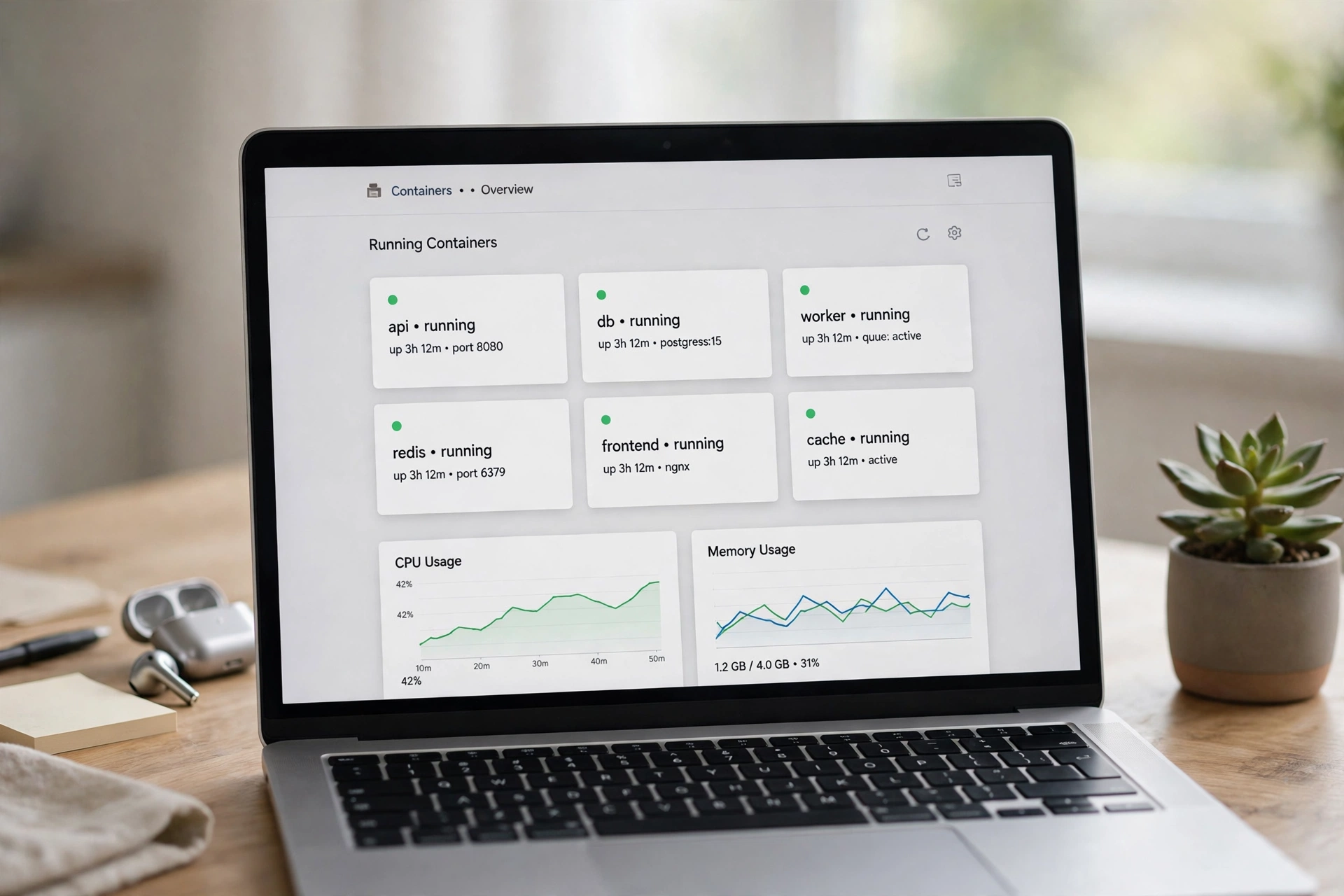
Start with containers. Arcane shows every container with its status, resource use and logs, and lets you start, stop, restart, remove and inspect them from the browser. Live log streaming means you watch a container’s output as it happens, and the built-in exec shell opens a terminal inside a running container without leaving the page. That combination covers most of the daily work that otherwise means SSH sessions and docker commands.
Images get the same treatment. You can browse, pull, build, tag and prune images, and Arcane tracks which ones have updates available, so an outdated base image stops being a surprise. The vulnerability scanner runs Trivy from a helper container and aggregates the findings per image, which turns a security chore into a glance at a dashboard. It is built in rather than a paid tier, and that is one of the reasons the project stands out against older managers that lock scanning behind a licence.
Volumes, networks and Compose projects complete the picture. Arcane manages volumes with backups you can create, restore file by file, and download locally. Networks get a topology-style overview showing ports and connections, which makes it easy to see what is exposed and what talks to what. Compose projects are the heart of the workflow for most self-hosters: Arcane keeps your Compose files as real files on disk under a projects directory, so you can edit them in the interface or on the filesystem and both sides agree. Git-backed synchronisation keeps those files in step with a repository, and global environment variables let you share secrets across stacks. What Is Univer shows an agent working inside a live office document, and Arcane does the equivalent for infrastructure: the Compose file stays live, on disk, while the dashboard manages it.
How Do You Install Arcane?
Arcane ships as a container, so you need Docker Engine and the Compose plugin on the host first. The manager image lives on the GitHub Container Registry as ghcr.io/getarcaneapp/manager, and the agent image as ghcr.io/getarcaneapp/agent. A minimal Compose file starts the manager on port 3552:
services:
  arcane:
    image: ghcr.io/getarcaneapp/manager:latest
    ports:
      - '3552:3552'
    volumes:
      - /var/run/docker.sock:/var/run/docker.sock
      - arcane-data:/app/data
Arcane wants two secrets at startup. An encryption key protects the credentials it stores, such as registry logins and agent tokens, and must be at least 32 characters as a raw passphrase. Generate one with openssl rand -hex 32 and pass it in through the environment file before running docker compose up -d. The full setup instructions, configuration details and development guides live on the official documentation site at getarcane.app, and a Linux installation script is available for hosts where you prefer not to write Compose files by hand.
The manager itself is light: in one independent test run it sat at around 200 MB of resident memory with nine containers under management. After the first start, open the interface at port 3552 on your host, create the admin account, and the dashboard is ready. If you run Podman instead of Docker, Arcane supports that too, which makes it an easy switch for hosts that already run Podman.
How Does Arcane Handle Remote Hosts and Teams?
One Arcane manager can drive Docker daemons on other machines. Each remote host runs a lightweight agent container that connects back to the manager, and you add it from the Environments view: Arcane generates a one-time agent token and the Compose snippet to deploy on the remote host. That fleet view is what turns Arcane from a single-host dashboard into a small infrastructure tool, and it is the feature homelab owners mention most when they compare it with simpler managers.
Teams get role-based access control, so not everyone who can see the dashboard can restart production containers. Arcane also supports OIDC login natively, so you can require a login through an identity provider such as Pocket ID or Authentik before anyone manages your containers, instead of relying on a separate forward-auth proxy. Feature requests have moved to the project’s Discussions, and issues are kept for bug reports only, which helps the maintainers keep priorities clear across 114 releases.
Scheduled jobs round out the operations side. Arcane can run monitoring, health checks, maintenance, event cleanup, pruning, vulnerability scans and image updates on a schedule. One honest limit: volume backups are manual for now, including restoring a whole volume or individual files and downloading backups locally, but scheduled recurring backup jobs are not yet supported. If your backup strategy needs automation, schedule it outside Arcane until that lands.
What About Security?
Arcane needs the Docker socket, and the Docker socket is effectively root on the host, so security deserves a straight answer. Anyone who can reach the Arcane interface with a privileged account can run containers, mount host paths and read data. That is true of every Docker manager, not just Arcane, and the project is open about it: the Software Bill of Materials is published, the code is BSD-licensed and auditable, and the security policy is in the repository.
Three habits keep an Arcane install safe. First, never expose it to the internet without authentication in front of it: use OIDC, a VPN such as WireGuard, or an auth proxy, and keep the local login behind that. Second, consider a Docker socket proxy in front of the daemon, so Arcane only gets the API permissions it actually needs, such as containers, images, networks, volumes, exec, build and commit, on its own internal network. Third, treat the encryption key like a password: it protects stored registry credentials and agent tokens, so generate a long random one and keep it out of version control. AG-UI covers the protocol side of agent-to-user interaction, and Arcane is the infrastructure half of the same story: the agent or the operator acts, and the dashboard shows exactly what happened.

Who Should Use Arcane?
Arcane fits homelab owners first. If you run a media server, a home automation stack, a personal cloud and a few experiments on one machine, Arcane replaces a folder of Compose files and a terminal history with one dashboard that shows health, updates and vulnerabilities at a glance. It also fits small teams and developers who manage staging servers: the multi-host agent, Git sync and role-based access cover the gap between a single-host tool and a full orchestration platform.
It also fits anyone moving off an older manager. Users compare it with Portainer for the dashboard and Swarm support, with Dockge and Komodo for Compose handling, and with Docker Hand for update checks and vulnerability scanning, and Arcane’s pitch is that it combines those jobs in one free interface. Stitch Skills for Google Stitch shows the same instinct in another tool: package a proven way of working once, reuse it many times. Who should skip it? If you run a single container on a laptop, the Docker command line is enough, and Arcane adds a service to maintain. If you run Kubernetes, you need a Kubernetes tool, not a Docker manager. For everyone between those two poles, the test is quick: deploy the manager container, point it at your host, and see whether the dashboard earns its place in your stack.
Frequently Asked Questions
What is Arcane?
Arcane is a modern, open-source Docker management dashboard: manage containers, images, volumes, networks and Compose projects from a web interface, with vulnerability scanning, auto-updates and multi-host support built in.
How do I install Arcane?
Deploy the manager container from ghcr.io/getarcaneapp/manager with Docker Compose, mount the Docker socket and a data volume, set a 32-character encryption key, and open the interface on port 3552.
Does Arcane support remote Docker hosts?
Yes. Each remote host runs a lightweight agent container that connects back to the manager, and one Arcane instance can manage a whole fleet of hosts from a single dashboard.
Does Arcane scan images for vulnerabilities?
Yes. Arcane runs Trivy from a helper container and aggregates the findings per image, with no paid tier: the scanner is included in the free BSD-licensed download.
Can Arcane manage Podman as well as Docker?
Yes. Arcane works with Podman as well as Docker Engine, and it also supports Docker Swarm, Git sync for Compose files, OIDC login and role-based access control.
Conclusion
Arcane is a small container with a large effect: it turns Docker management from a terminal chore into a dashboard you can trust. With 9,529 stars, 523 forks and 114 releases in about eighteen months, it is clearly solving a problem self-hosters feel every day. The scanner is built in, the Compose files stay on disk, the fleet view covers remote hosts, and the licence keeps every feature free. Deploy the manager, point it at your host, and see how much of your Docker estate you were managing blind.