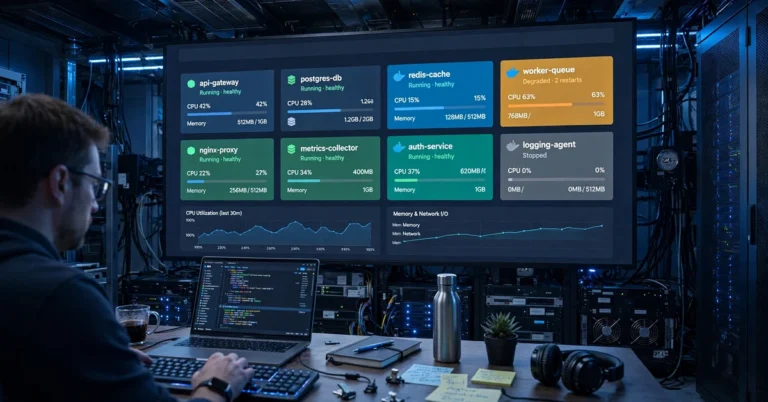
Plannotator: Review Your AI Coding Agent’s Plans and Code in Your Browser
Plannotator is a local, browser-based review surface for AI coding agents: it opens your agent’s plans, diffs and messages in the browser, lets you annotate them like a document, and sends your feedback straight back to the agent with one click. It works with Claude Code, Codex, Copilot CLI, Gemini CLI, OpenCode, Kiro, Droid, Amp, DeepSeek Harness and Pi, and it runs entirely on your own machine.

Key facts
- Project: backnotprop/plannotator on GitHub — a local, browser-based review surface for AI coding agents
- GitHub stars: 12,833, with 1,273 forks (checked 17 November 2026)
- Licence: Apache License 2.0
- Created: 28 December 2025
- Commits: 9,976, across 230 releases
- GitHub Trending: repository of the day on 15 November 2026, gaining 860 stars in a single day
- Coding agents supported: Claude Code, Codex, Copilot CLI, Gemini CLI, OpenCode, Kiro, Droid, Amp, DeepSeek Harness and Pi
What Is Plannotator and Why Does It Matter?
Plannotator answers a problem every developer meets within a week of using a coding agent: the agent works fast, but you lose track of what it decided. It writes a plan, changes twenty files, and asks a question in a chat window you closed an hour ago. Approving that work means scrolling through a long transcript. Plannotator replaces that scramble with a review surface: when your agent proposes a decision, a plan, a piece of HTML or a finished change, the review opens in your browser. You mark it up, comment on the exact line, and send the feedback back to the agent.
The idea is simple, and that is why it is catching on. Coding agents have become good at producing work, but the human side of the loop stayed primitive: a chat box. A plan is a document, and documents deserve annotation, not a reply in a thread. A diff deserves line-level comments, not a thumbs-up. The numbers back up the interest: it passed 12,000 stars in under a year, gained 860 stars in one day in mid-November 2026, and was the repository of the day on GitHub Trending on 15 November. What Is Univer shows an agent working inside a live office document instead of generating a dead file, and Plannotator does the equivalent for review: the plan stays live, in front of you, while you decide.
How Does the Plannotator Inbox Work?
The Plannotator Inbox is the newest part of the project, and it solves the multi-agent version of the same problem. When several agents work at once, each one leaves messages, questions, files and guided reviews in its own session. The Inbox is one local window where all of that arrives while the agents keep working. You answer with a click, annotate a file, and press Send when you can. Nothing holds an agent session open while you decide, and your reply goes back to the session that asked.
That matters more than it sounds. In a normal agent chat, a question blocks the session until you answer. If you are in a meeting, the agent waits. In the Inbox model, the agent keeps working on everything else, and your answer arrives as its next turn when you send it. The project describes it as an email-like pattern for background agent work: messages wait for you, and nothing is lost because you were away. Claude Code, Pi and OpenCode connect through Plannotator’s plugins, and any other agent reaches the Inbox over MCP. The Inbox also works with personal assistants such as Grok Bot, Muse, Hermes and OpenClaw.

What Can You Review With Plannotator?
First, plan review. Any time your agent creates a plan, the markdown review surface opens for you. You read the plan as a document, annotate the steps you disagree with, and send the feedback back. Plan mode is wired in through each agent’s hooks, so there is no command to remember. You shape the plan before a single file changes, and the cost of a wrong direction drops to almost nothing.
Second, annotation. You can annotate plans, specs, messages, HTML and other interactive artefacts, then send the feedback to your agent. The commands are short: /plannotator-annotate README.md for a local file, a folder to browse and annotate its files, or a URL to fetch and annotate any page. /plannotator-last annotates the agent’s last message. There is also a terminal version, Herdr Annotate, for Claude Code, Codex, Pi, Copilot CLI and Droid replies. Annotations made in the terminal and in the browser share one data directory, so the two surfaces compound instead of competing.
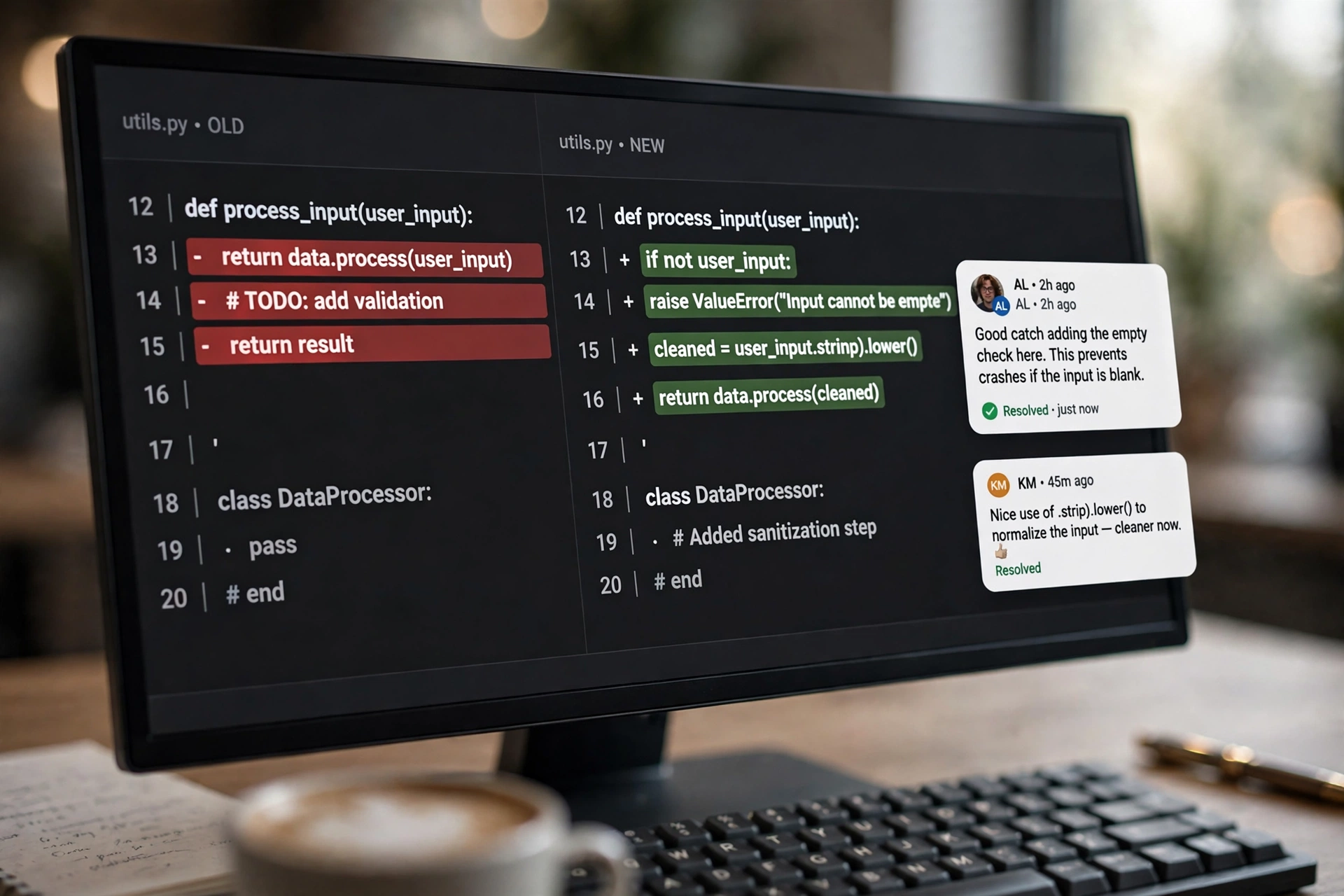
Third, code review. You can review uncommitted local changes or a remote pull request with /plannotator-review, a GitLab merge request the same way, or a static diff file. Comments go on the diff, suggestions go on the code, and your comments go back to the agent. It works with Git, GitButler, Jujutsu, Perforce, GitHub and GitLab, so the review follows your version control instead of forcing you onto one host. For a big change, a guided review lets an agent sort the diff into chapters, most important first, with a short overview next to the real diff.
Fourth, HTML artefacts and live sites. You can annotate a rendered HTML file or any site running on your own machine: a local address opens your app live through a local proxy, you comment on the real page, and hot reload keeps working. The command is plannotator annotate http://localhost:5173. That beats reviewing a screenshot of a prototype.
How Do You Install Plannotator?
One installer covers almost every agent. It installs the plannotator binary, detects the agents you have installed, and configures hooks, skills and slash commands for each. On macOS, Linux or WSL the command is:
curl -fsSL https://plannotator.ai/install.sh | bashOn Windows PowerShell it is irm https://plannotator.ai/install.ps1 | iex. If you want just the binary and nothing else, pass --minimal to install only the plannotator binary to ~/.local/bin, skipping every skill, hook and per-agent configuration.
After the installer, most agents need one small step. Claude Code takes a plugin marketplace add and install, then a restart. Codex needs nothing: plan review is enabled automatically through its experimental Stop hook. Gemini CLI and Kiro CLI also need nothing. OpenCode takes one plugin line in opencode.json, Pi takes one extension install, and Copilot CLI and Droid take a plugin install each. To remove it, plannotator uninstall takes out the installed components and keeps your local plans, history, drafts and settings; add --purge for a full removal.
Which Coding Agents Work With Plannotator?
Plannotator is a review layer, not another agent, so it sits above whichever agent you already use. Claude Code, Codex, Copilot CLI, Gemini CLI, OpenCode, Kiro, Droid, Amp, DeepSeek Harness and Pi are all supported, and the Inbox adds personal assistants such as Grok Bot, Muse, Hermes and OpenClaw. AG-UI covers the protocol side of agent-to-user interaction, and Plannotator is the practical surface where that interaction happens: the agent shows its work, you respond, the agent continues.
That matters most when a team uses more than one agent. One developer on Claude Code and another on Codex can both send plans to the same Inbox, and the reviewer learns one interface instead of two chat histories. Sharing extends that: send a plan as a link, a teammate annotates it, and you import their feedback for your agent. Small shares live in the link itself, large ones are encrypted before upload and expire after seven days. Turn sharing off with PLANNOTATOR_SHARE=disabled if your team should not share outside the machine.
What About Privacy and Local Data?
Plannotator runs entirely in the browser on your own machine: no server, no database. Your plans, history, drafts and settings stay local, and uninstalling keeps them unless you ask for a purge. Teams that cannot send source code to a third-party service can still use it, because the review surface never needs your code to leave the machine.
Two honest limits belong here. First, the installer itself can contact GitHub for release resolution and agent files, and npm for Pi and selected extras, so installation is not fully offline. Second, sharing a plan as a link uploads the encrypted content for large shares, and anyone with the full link can read it. For everyday review work, though, the shape is simple: your code stays local, your annotations stay local, and only a share you explicitly send leaves the machine.
Who Should Use Plannotator?
Plannotator fits any developer who already uses a coding agent and has felt the review gap: the agent finished, you are not sure what it did, and approving it means reading a wall of chat. Solo developers get the most immediate benefit, because there is nobody else to catch a bad plan before it becomes a bad change.
It also fits teams. A team lead reviewing three agents’ work needs one place to see what is waiting, not three chat windows. Stitch Skills for Google Stitch shows the same instinct in another tool: package a proven way of working once, reuse it many times. Who should skip it? If you do not use a coding agent, this tool adds little on its own. For everyone else, the test is quick: install it, let one agent propose one plan, and see whether annotating that plan beats replying in chat.

Frequently Asked Questions
What is Plannotator?
Plannotator is a local, browser-based review surface for AI coding agents: annotate an agent’s plans, diffs and HTML output in the browser, then send the feedback back with one click.
Which coding agents work with Plannotator?
It works with Claude Code, Codex, Copilot CLI, Gemini CLI, OpenCode, Kiro, Droid, Amp, DeepSeek Harness and Pi, plus personal assistants such as Grok Bot, Muse, Hermes and OpenClaw through the Inbox.
How do I install Plannotator?
Run the installer with curl -fsSL https://plannotator.ai/install.sh | bash on macOS, Linux or WSL, or the PowerShell installer on Windows.
Does Plannotator send my code to a server?
No. Plannotator runs locally in your browser with no server and no database, and your plans and history stay on your machine. Only a plan you explicitly share as a link leaves the machine, and large shares are encrypted and expire after seven days.
Can Plannotator review a pull request?
Yes. Use /plannotator-review with a GitHub pull request or GitLab merge request URL, or review uncommitted local changes. Comments on the diff go back to the agent, and a guided review sorts a large diff into chapters, most important first.
Conclusion
Plannotator is a small tool with a large effect: it gives a human a proper place to stand in the agent loop. With 12,833 stars, 1,273 forks and a day at the top of GitHub Trending, it is clearly solving a problem developers feel every day. Agents can already write code, and now the review step has a surface of its own: annotate the plan before it becomes a change, comment on the diff line by line, and let the Inbox collect every question while you decide. The agent proposes, you decide, the agent revises.